iPhone Transfer
  • 00

    Day

  • 00

    Hours

  • 00

    Mins

  • 00

    Secs

20 OFF

Upgrade to Full License with 50% Discount!

  • Transfer batch of data between iOS devices and computers in one-click.
  • Also support editing and managing the iOS data before transferring.
  • Support all kinds of file types and app data, including messages, videos, etc.
  • View messages in detail, make iPhone ringtones, convert HEIC photos, etc.
Monthly: $14.97 $29.95
Quick Start Complete Guide

1

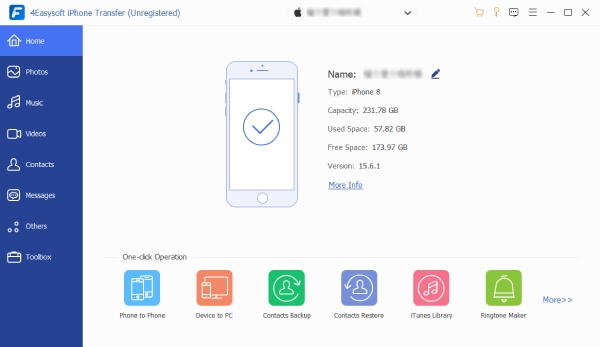
Open 4Easysoft iPhone Transfer and connect your iPhone/iPad to the computer through USB cable and scan data.

2

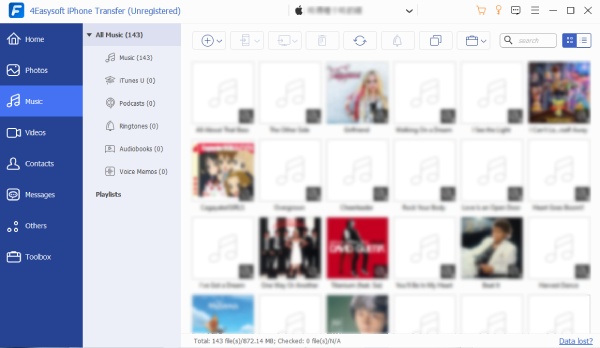
Choose the desired file type from the left pane and preview the files in detail. Just tick all the data you want to transfer.

3

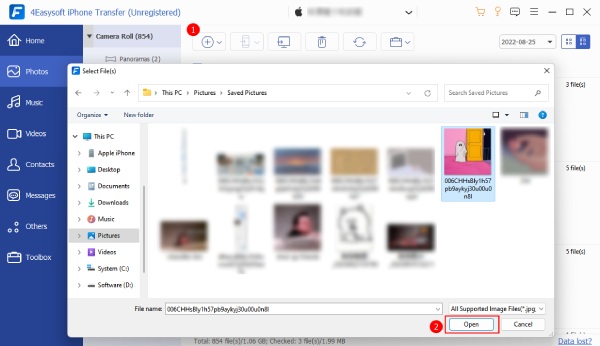
Choose to export to computer/iPhone/iTunes and select the desired folder to save the transferred files.

Main Interface Music Open Picture

More Discounts for Products and Bundles

See More 4Easysoft Sales >>

How Does iPhone Transfer Work

Why Choose 4Easysoft