

- Video
 For Windows
- Total Video Converter
- Screen Recorder
 Free Online Solutions
- Free Video Converter
- Free Screen Recorder
- Blu-ray/DVD
- For Windows
- DVD Ripper
- Blu-ray Player
- DVD Creator
- Blu-ray Creator
- Data & System
For WindowsFree Online SolutionsFor Windows iPhone Unlocker
Unlock iPhone Screen Passcode
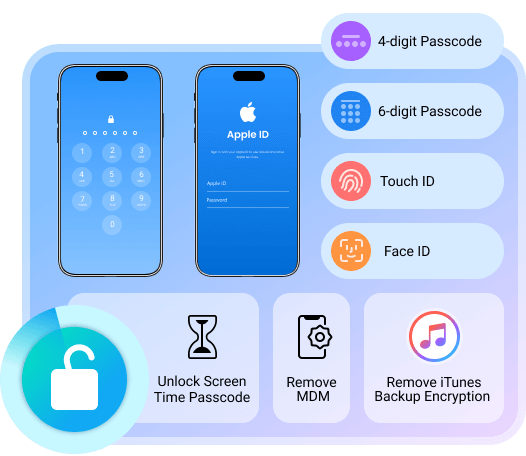
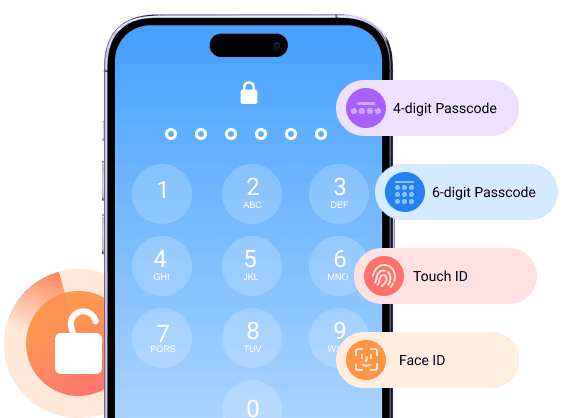
Getting locked out of your iPhone is a common problem. After too many wrong attempts, Apple will turn off your iOS device. Sometimes the iPhone cannot recognize your face or fingerprint suddenly. During this time, you can remove the lock screen on iPhone using the "Wipe Passcode" mode.
Second-hand iPhone
Broken iPhone screen
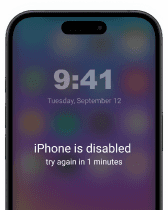
iPhone disabled
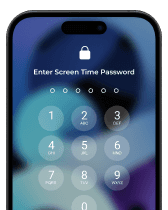
iPhone unavailable
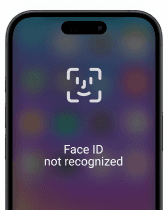
Face ID unavailable
Bypass iCloud Activation Lock
Bought a second-hand iPhone with activation lock exists? Even though you cannot contact the previous owner, you can remove iCloud activation lock without Apple ID or password here.
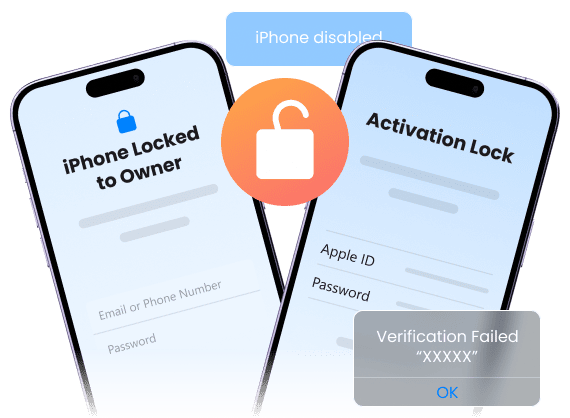
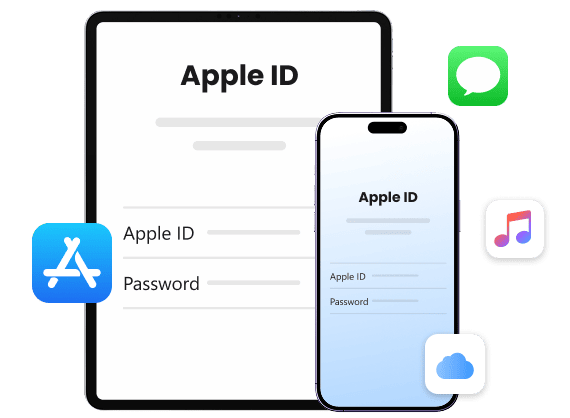
Delete Apple ID without Password
An Apple ID is tied to daily iPhone use, including iCloud, App Store, and more. If you want to remove an old Apple ID account from a used, second-hand, or inherited device, you can regain full access to iPhone services.
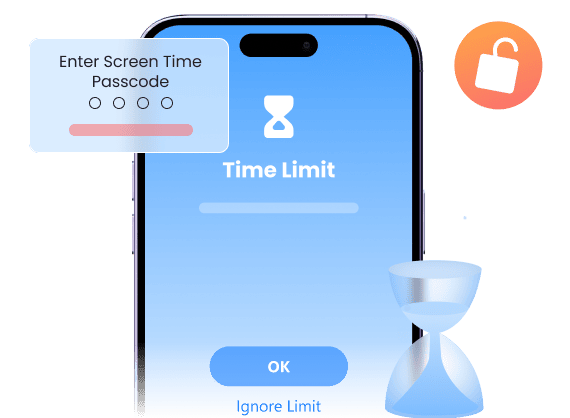
Remove Screen Time Passcode
Can't remember, turn off, or reset Screen Time password? Then you will get locked out of apps, limits, and settings. To get the device control without resetting the iPhone, you can do Screen Time removal with 4Easysoft iPhone Unlocker.
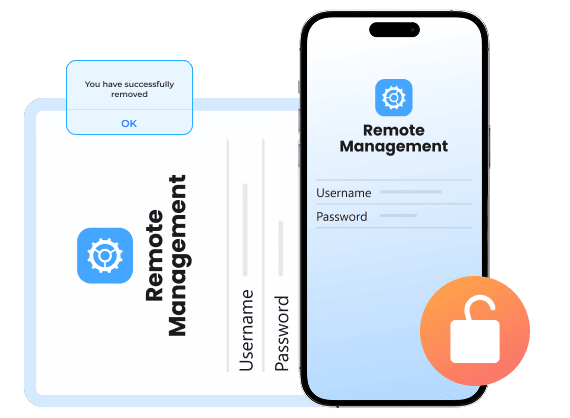
Bypass MDM from iPhone/iPad
MDM (Mobile Device Management) locks are common on devices from schools and companies. Even after leaving, your iPhone still has locked settings and app limits. To get full personal use of this iPhone, you need to remove MDM profiles.
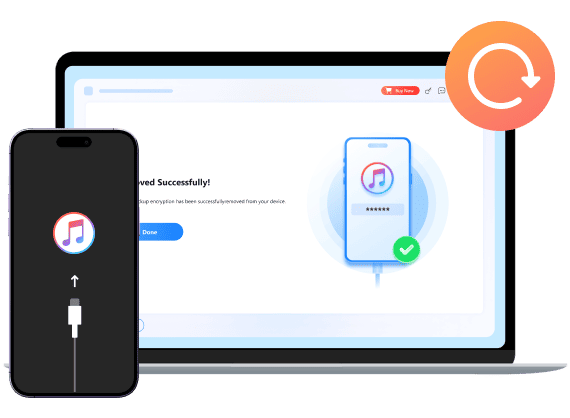
Decrypt iTunes Backup
Encrypted iTunes backups become useless due to the forgotten password. To restore from an encrypted iTunes backup, you can use 4Easysoft iPhone Unlocker to remove passcodes successfully.

Carla Murphy
I forgot my iPhone passcode after months without using it. After entering the wrong passcode too many times, I was locked out of my iPhone. It shows ‘iPhone is disabled’ with no option to reset without losing data. But 4Easysoft iPhone Unlocker got me back inside the iPhone without messing up anything else.


Frederick McKnight
Bought a used iPhone only to find it stuck on Activation Lock. Contacting the previous owner was impossible. 4Easysoft iPhone Unlocker removed the lock, and now my iPhone works like new.

Lillian Ohare
The Screen Time passcode was set by my kids ages ago, and I never wrote it down. Nothing Apple suggested worked. Luckily, 4Easysoft iPhone Unlocker removed the Screen Time lock quickly.

Marquis Kim
My work phone still had MDM control after I left the company. I couldn't install anything or update settings. After using 4Easysoft iPhone Unlocker, all MDM restrictions are gone. Now I can use it as my personal iPhone.

 For Mac