IconiPhone Transfer for Mac

Quick Transfer of All Data Between iOS Devices, Computers, and iTunes

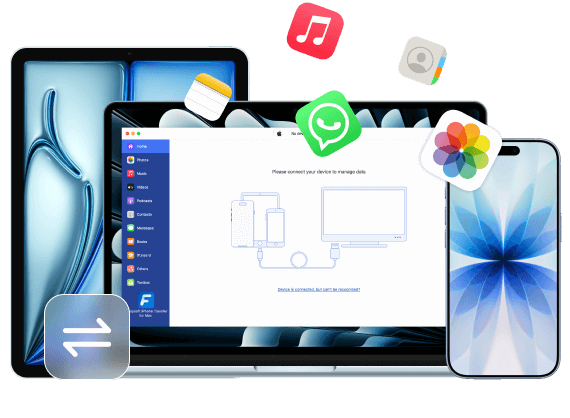
4Easysoft iPhone Transfer for Mac offers three transfer modes to move various files between iOS devices, between iOS devices and computers, and between iOS devices and iTunes. This process is fast and secure, ensuring no privacy leaks. You can transfer music, videos, messages, and nearly all types of data.

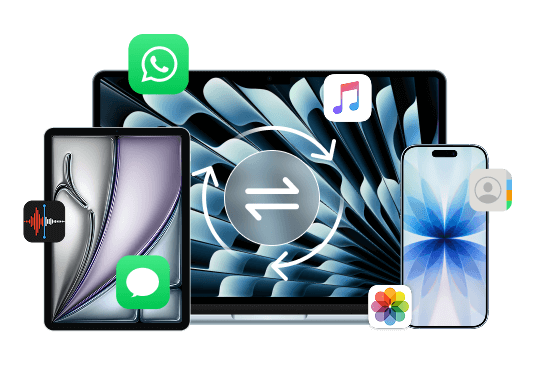
IOS to IOS IOS And Mac.png IOS And iTunes
  • Transfer between iOS Devices
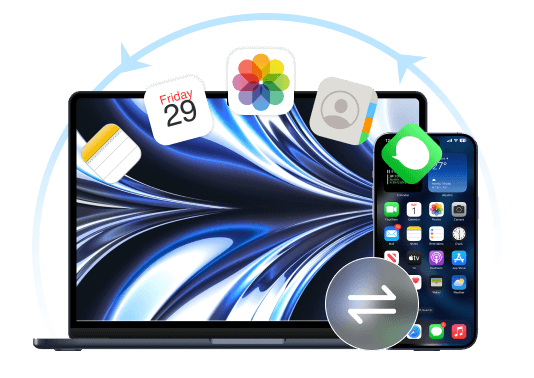
  • Transfer between iOS and Computer
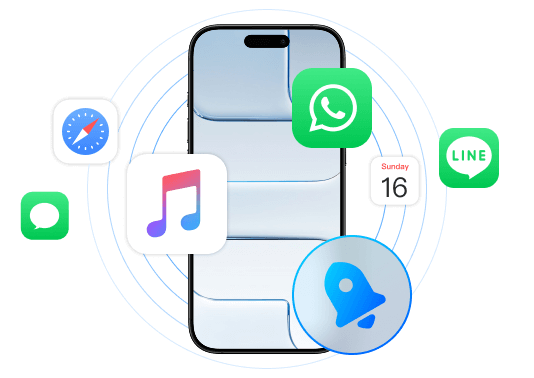
  • Transfer between iOS and iTunes
Transfer between iOS Devices

Transfer most data between your iOS devices with all models, which helps you to copy important files easily to a new iPhone/iPad/iPod. You can also transfer large videos to your friends.

Transfer between iOS and Computer

Directly copy files between your iOS devices and computers. In this way, you can back up all important data from your iOS to Windows/Mac and free up more space.

Transfer between iOS and iTunes

Sync a batch of iTunes music and videos to your iOS devices quickly with simple clicks. You can use the iTunes Library tool to transfer all files at the same time.

What can 4Easysoft Transfer

4Easysoft iPhone Transfer for Mac can transfer almost all types of iOS and Mac data. See the image below to learn what you can transfer with it.

  • Call History

  • Contacts

  • Text Messages

  • Notes

  • Calendars

  • Safari

  • Audiobooks

  • Photos

  • Movies

  • Voice Memo

  • Ringtones

  • Music

  • Playlists

  • TV Shows

  • WhatsApp

  • Line

  • Viber

  • Messenger

  • WeChat

  • Kik

Manage iOS Data More Conveniently on Mac - Edit, Delete, Create, and Convert

This program offers comprehensive functionality, allowing you to manage transferred files. You can edit, delete transferred files, and convert photo formats as needed.

Photo OrganizerPhoto Organizer

Create a new album to manage photos easily.

Preview all photos and delete duplicate ones in a batch.

Check the photo's detailed information, like size, format, etc.

Convert HEIC to JPG/PNG for compatibility with more devices.

Contact AssistantContacts Assistant

Edit or update the added contact information.

Delete unavailable contacts directly on your Mac.

Freely create new contact groups and categories.

Add new contacts with custom information.

Music EditorMusic Editor

Customize your music playlists and add your favorite songs.

Automatically convert to iOS audio formats.

Supports editing album art, artist, genre, and other information.

Batch listen to or delete unwanted music.

More Useful Functions to Organize Your iOS Data

4Easysoft iPhone Transfer also offers a variety of practical tools for additional editing of iOS data. You can back up contacts, create ringtones, convert photos, delete transferred data, and more.

Clear Steps to Use 4Easysoft iPhone Transfer for Mac

After downloading 4Easysoft iPhone Transfer for Mac on your computer, you can follow these detailed steps to transfer and manage data between different devices.

  • Transfer from iOS to Mac/iTunes
  • Transfer from Mac to iOS
  • Transfer from iOS to iOS

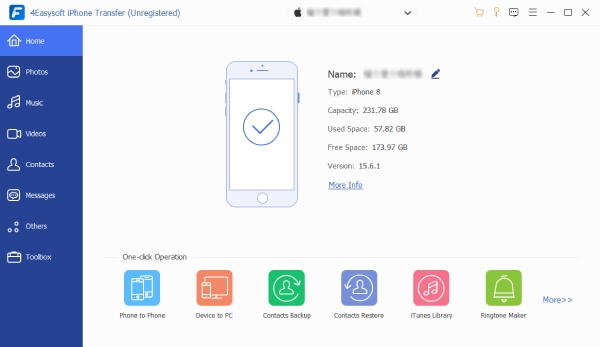
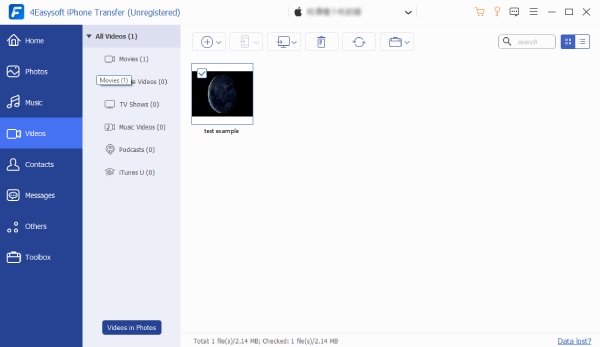
Launch the software and connect your iOS device to the Mac.

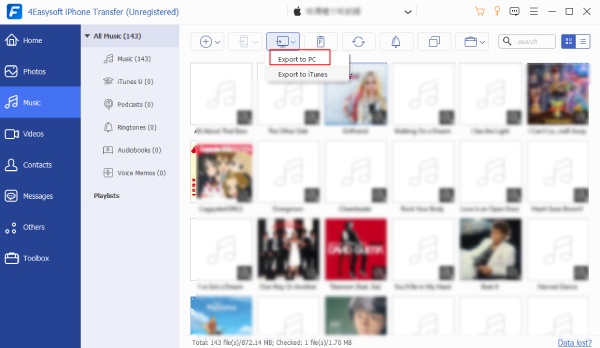
Choose the desired file, such as Music, Ringtones, Audiobooks, etc.

At last, click the Export to PC or Export to iTunes button.

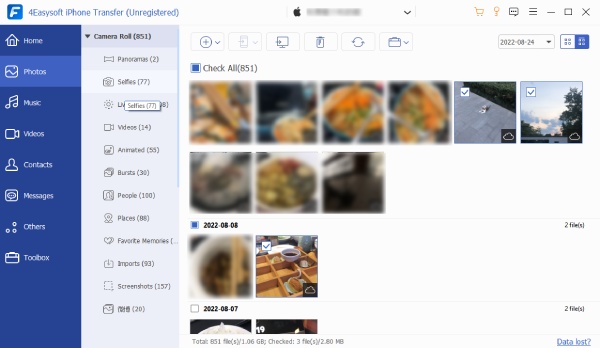
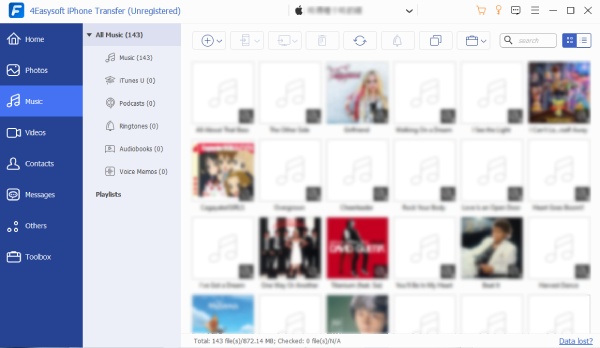
Main Interface Photos Music Export to PC

Launch it and connect your iOS device to the Mac via USB.

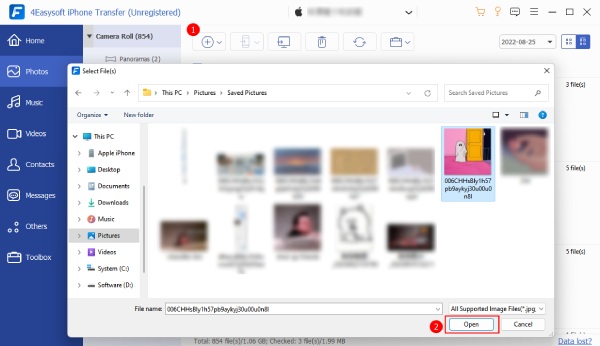
Choose the desired data type and click Add items to transfer.

Finally, click the Open button to start the transfer process.

Main Interface Music Open Picture

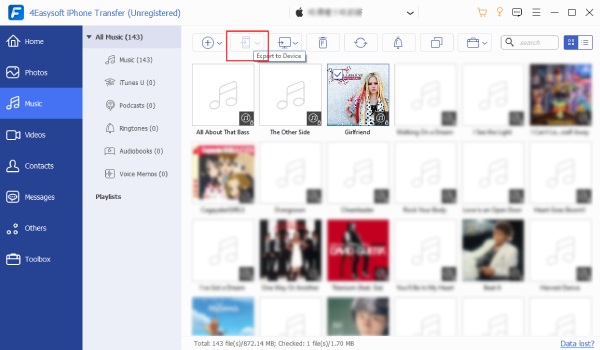
Launch it and connect two iOS devices to the same Mac.

Select the file type and the desired data in a batch.

Click the Export to Device button and start transferring.

Main Interface Music Music Export to Device

We are Highly Trusted

Rowan

Rowan

As someone who takes hundreds of photos on my iPhone, 4Easysoft iPhone Transfer for Mac lets me back up all my photos to my Mac without compression. The transfer speed was impressive, and nothing was missing.

Stars
Elara

Elara

I often manage contacts and messages. iTunes was frustratingly slow. So I switched to this software. It backed up my contacts, SMS, and call logs in minutes. Very efficient and reliable.

Stars
Maris

Maris

I had a large music and video library stored on my old iPhone and didn’t want to delete any of it. 4Easysoft iPhone Transfer for Mac allowed me to back up media files selectively. No syncing errors, no long waiting times.

Stars
Avery

Avery

I didn’t want to rely on iCloud because of limited storage. This software was a great alternative. I backed up my iPhone data directly to my Mac and transferred it to the new phone without needing an internet connection.

Stars

More Solutions You May Need

Icon

4Easysoft iPhone Transfer for Mac

Transfer and Manage Data between iOS Devices, Mac, and iTunes.