
- Video
 For Windows
- Total Video Converter
- Screen Recorder
 Free Online Solutions
- Free Video Converter
- Free Screen Recorder
- Blu-ray/DVD
- For Windows
- DVD Ripper
- Blu-ray Player
- DVD Creator
- Blu-ray Creator
- Data & System
For WindowsFree Online SolutionsFor Windows iPhone Cleaner
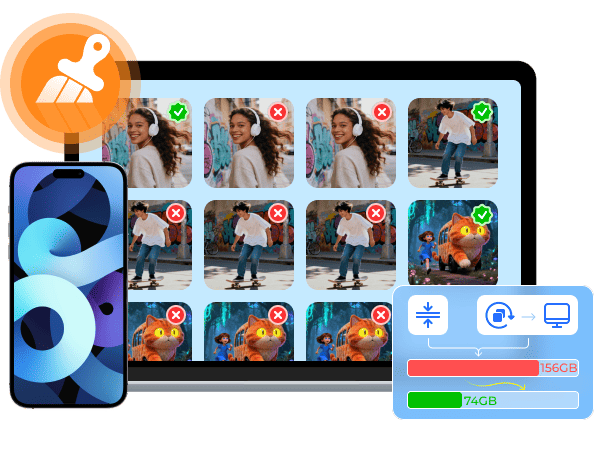
Whether you want to clear cached data, delete old downloads, remove leftover app files, remove similar and duplicate photos, clean up large files and other unwanted data, you can use 4Easysoft iPhone Cleaner to remove unused and hidden files in minutes.
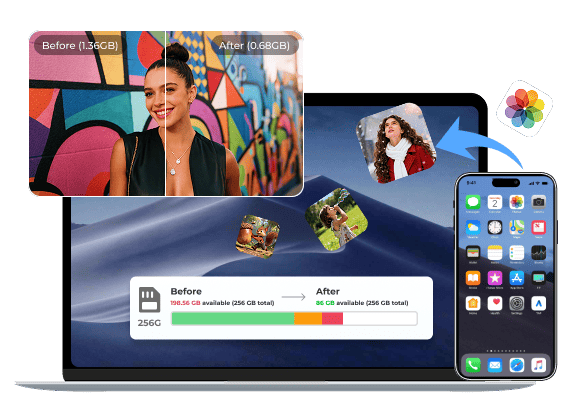
Delete and Compress Duplicate Photos
High-resolution photos are beautiful. But they often cause a shortage of storage space on the iPhone. To make your iPhone run fast, you can clean up clutter and reduce file size.
Remove Old and Large Files
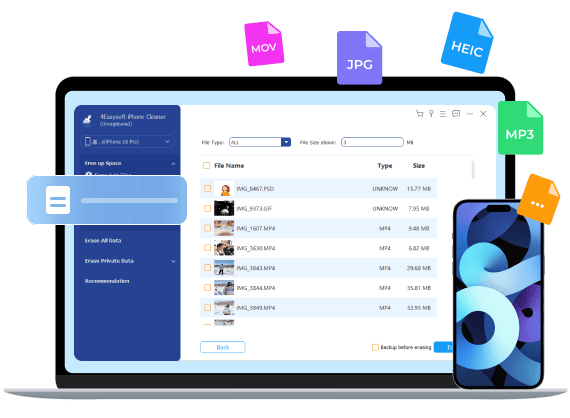
Can't find where those long videos, oversized downloads, and unused archived files are? You can use the "Delete Large Files" mode to detect and remove unnecessary large files. Preview details before deleting something important.
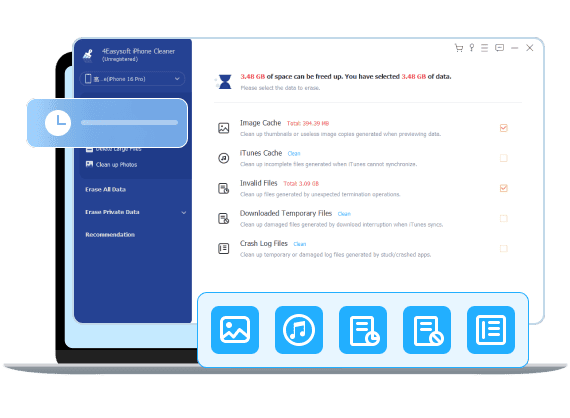
Clean Invalid, Damaged, and Log Files
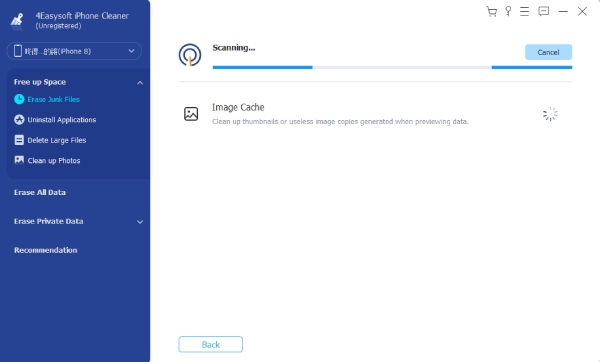
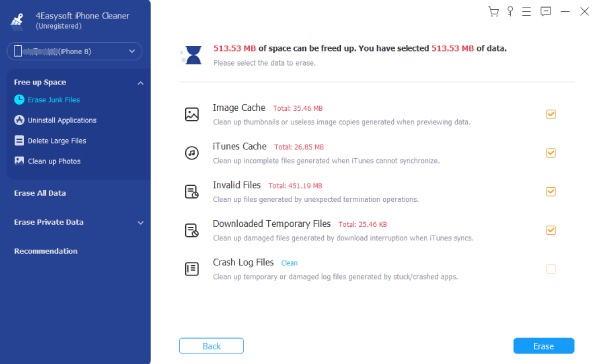
Broken files and logs build up and waste storage space on the iPhone over time. Those useless files often come from app crashes, failed downloads, or system logs. Now you can safely clean up hidden files that iOS doesn't show here.
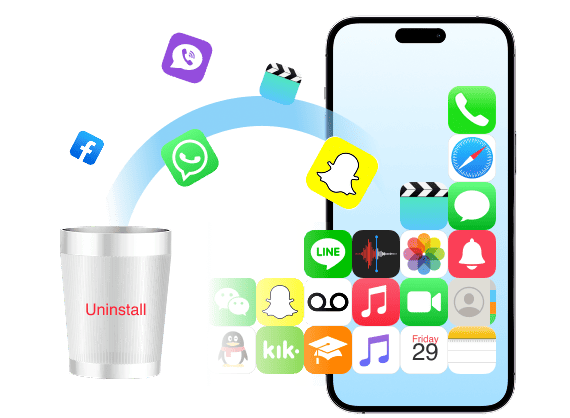
Uninstall Apps without Hidden Data
When you receive the iPhone Storage full warning, you can uninstall unused apps and delete their leftover files. 4Easysoft iPhone Cleaner can identify all apps and show how much space they really consume clearly.
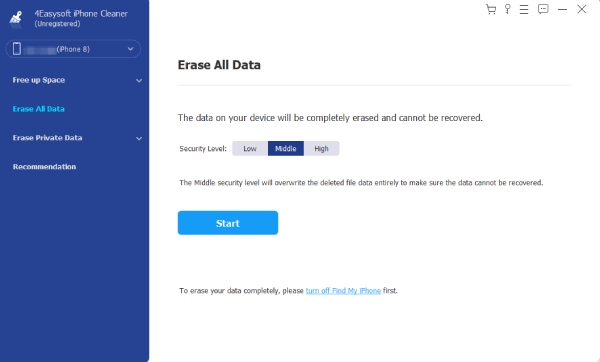
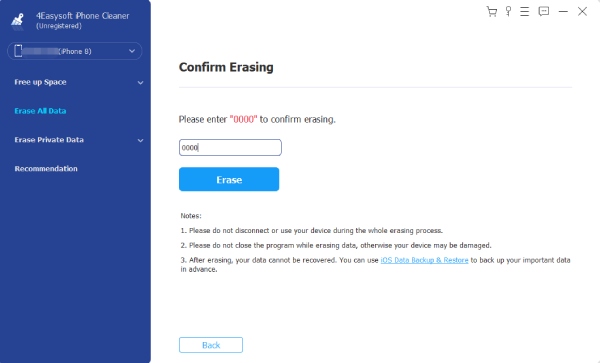
Your deleted iPhone files can be recovered with the right tools. If you want to permanently wipe personal data before selling or giving it away, you had better do a full overwrite.
Low Level
Overwrite iPhone for one time. It removes personal data and cached information.
Medium Level
Overwrite iPhone twice. It removes all personal data and overwrites the iPhone storage once.
High Level
Overwrite iPhone three times. It is recommended to overwrite data before selling an iPhone.
Your iPhone stores more private data than most people realize. Those photos, messages, browsing histories, caches, account information, and other sensitive data should be removed regularly. It is a good way to eliminate hidden traces.
Selective iPhone Cleanup
Instead of wiping everything, you can preview and choose what to delete manually, including photos, videos, messages, app data, contacts, Safari bookmarks, and more.
Complete iPhone Cleanup
You can clear all private data and remove all traces left by apps, system caches, and usage history by doing a complete cleanup. It can prevent data recovery better than standard deletion.
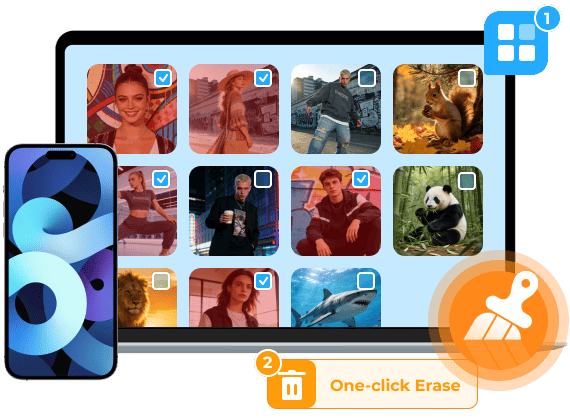
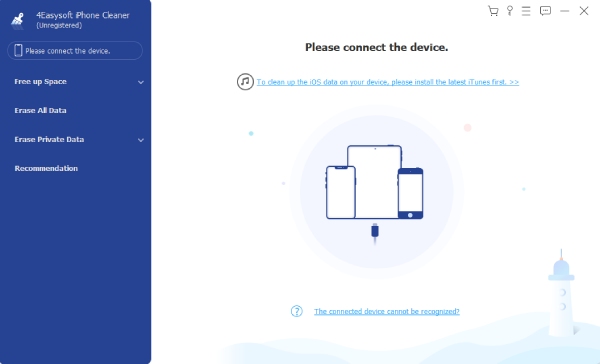
Download 4Easysoft iPhone Cleaner on your computer and plug your iPhone into the computer. After the detection, you can follow the steps below to clean up your iPhone and optimize storage easily.

Nilda Wyatt
My iPhone always said "Storage Almost Full" even with a few apps. 4Easysoft iPhone Cleaner helped me find huge hidden files and logs that iPhone never showed me. It frees up over 10 GB in minutes. I finally have space for new apps.


Dean Edwards
Used this iPhone cleaner before selling my iPhone. It wiped private data thoroughly and made me feel safe letting someone else use this iPhone. Simple steps, clear results.

Sasha Carrico
After updating to a new iOS, my "Other" storage was massive. 4Easysoft iPhone Cleaner identifies temporary and junk files that otherwise stay hidden. It made a noticeable difference.

Maci Boyer
I never realized how many large files I had stored until this showed them by size. Deleting big old movies and recordings frees up most of my storage. My iPhone runs as fast as a new one.

 For Mac