4Easysoft iPhone Unlocker iPhone Unlocker
Unlock iPhone Screen Passcode

Unlock iPhone Screen Passcode

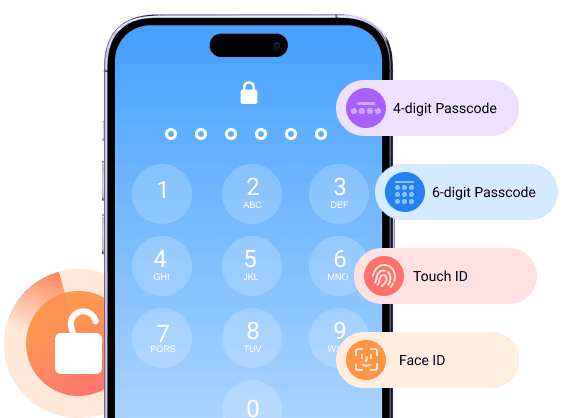
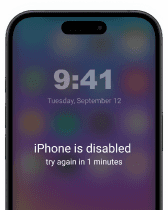
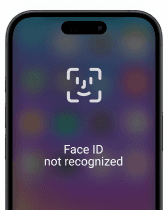
Getting locked out of your iPhone is a common problem. After too many wrong attempts, Apple will turn off your iOS device. Sometimes the iPhone cannot recognize your face or fingerprint suddenly. During this time, you can remove the lock screen on iPhone using the "Wipe Passcode" mode.

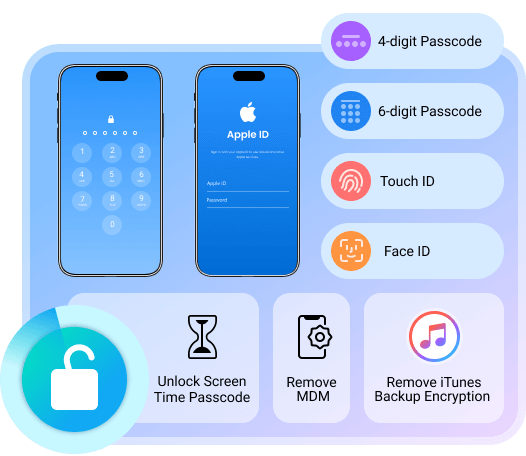
  • Unlock 4-digit and 6-digit passcodes.
  • Fix face ID or Touch ID not working.
  • No Apple ID password required.
  • Remove custom numeric and alphanumeric passcodes.
Second-hand iPhone

Second-hand iPhone

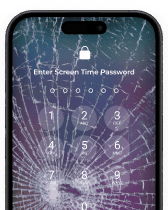
Broken iPhone screen

Broken iPhone screen

iPhone disabled

iPhone disabled

iPhone unavailable

iPhone unavailable

Face ID unavailable

Face ID unavailable

Bypass iCloud Activation Lock

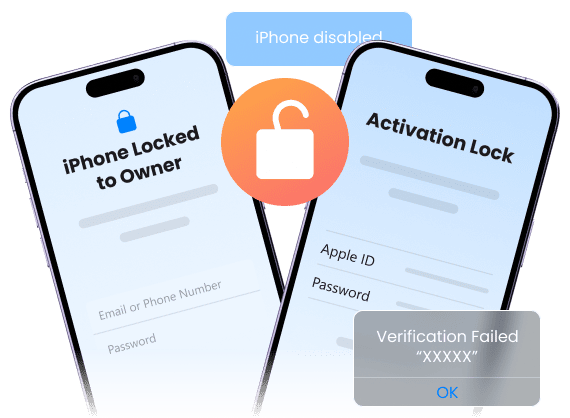
Bought a second-hand iPhone with activation lock exists? Even though you cannot contact the previous owner, you can remove iCloud activation lock without Apple ID or password here.

  • Bypass iCloud activation lock without original Apple ID or password.
  • No previous owner contact required.
  • Fix iPhone locked to owner error directly.
  • Avoid repeated activation errors.
Bypass iCloud Activation Lock
Delete Apple ID without Password

Delete Apple ID without Password

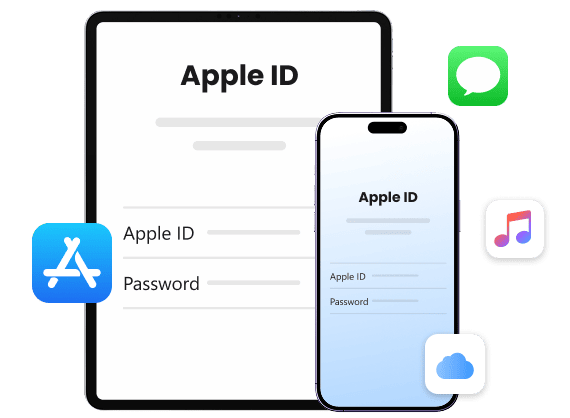
An Apple ID is tied to daily iPhone use, including iCloud, App Store, and more. If you want to remove an old Apple ID account from a used, second-hand, or inherited device, you can regain full access to iPhone services.

  • Delete Apple ID account without password.
  • Fix Apple ID stuck or locked issues.
  • Stop being tracked or erased by the old Apple ID.
  • Create a new Apple ID and regain full access.

Remove Screen Time Passcode

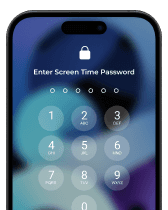
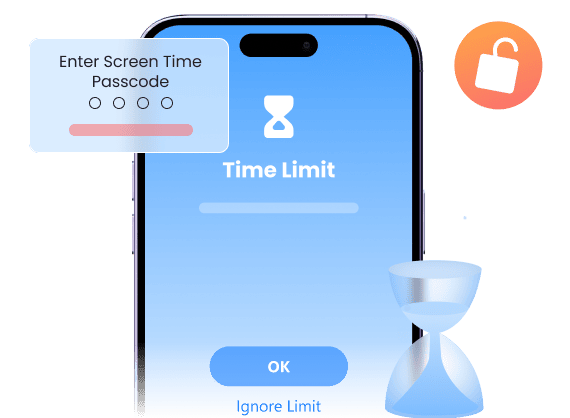
Can't remember, turn off, or reset Screen Time password? Then you will get locked out of apps, limits, and settings. To get the device control without resetting the iPhone, you can do Screen Time removal with 4Easysoft iPhone Unlocker.

  • Bypass Screen Time restriction without data loss.
  • Remove Screen Time passcode without Apple ID.
  • Turn off Screen Time without a passcode.
  • Turn off parental controls on iPhone.
Remove Screen Time Passcode
Bypass MDM from iPhone/iPad

Bypass MDM from iPhone/iPad

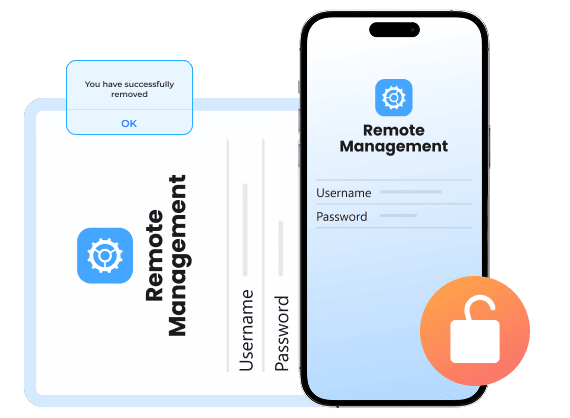
MDM (Mobile Device Management) locks are common on devices from schools and companies. Even after leaving, your iPhone still has locked settings and app limits. To get full personal use of this iPhone, you need to remove MDM profiles.

  • Remove MDM profiles without admin credentials.
  • Disable MDM controls while keeping all data.
  • Remove MDM lock from a work or school device.
  • Bypass remote restrictions.

Decrypt iTunes Backup

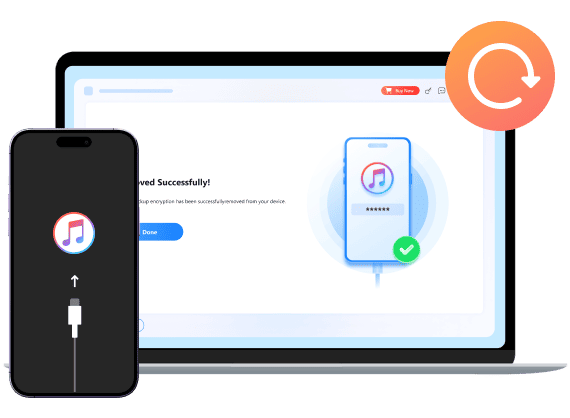
Encrypted iTunes backups become useless due to the forgotten password. To restore from an encrypted iTunes backup, you can use 4Easysoft iPhone Unlocker to remove passcodes successfully.

  • Remove iTunes backup encryption password.
  • Access old iTunes backups.
  • No data overwritten.
  • Faster than Apple recovery.
Decrypt iTunes Backup

How to Unlock iPhone without Passcode Using 4Easysoft iPhone Unlocker

Choose from the following iPhone unlocking modes to remove lock screen passcode, unlock Apple ID account, turn off Screen Time, and remove MDM permanently from your iPhone, iPad, and iPod Touch. To start with, plug your iOS device into the computer via a lightning USB cable.

  • Remove Screen Passcode
  • Remove Apple ID
  • Bypass Screen Time
  • Remove MDM

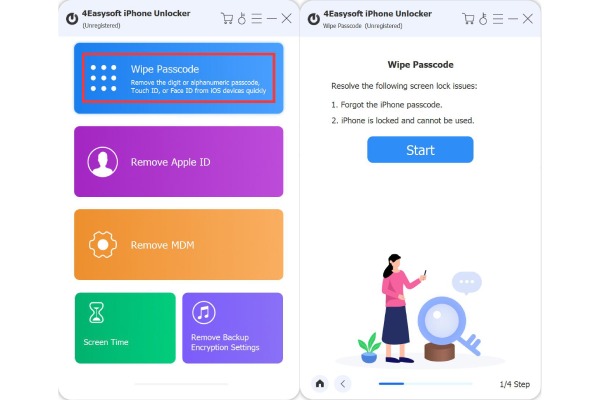
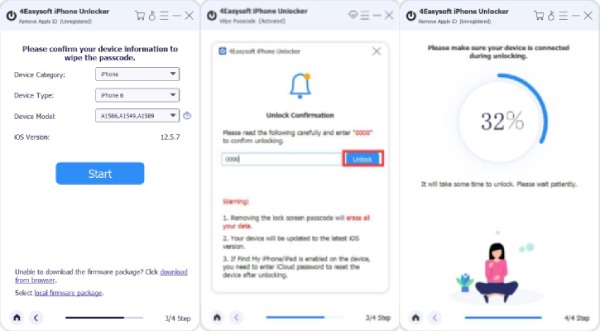
1. Go to the "Wipe Passcode" mode. Click the "Start" button.

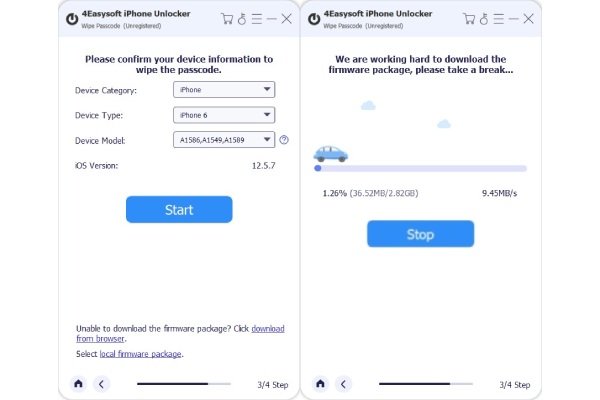
2. Check the iDevice information. Click the "Start" button to download the firmware.

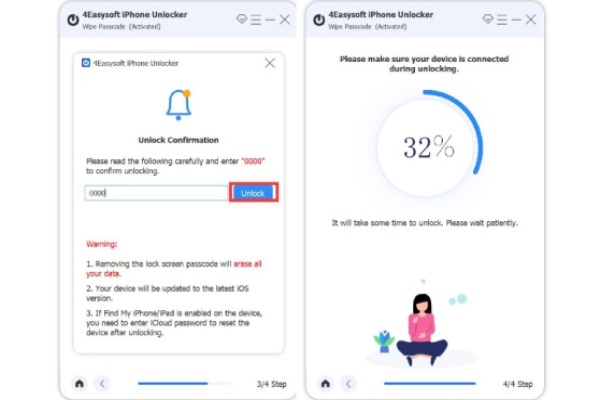
3. Enter "0000" to confirm iPhone unlocking.

Wipe Screen Passcode Download Firmware Package Comfirm to Unlock Screen Passcode

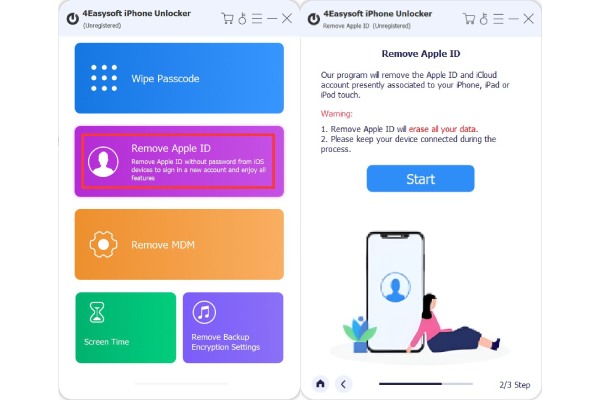
1. Click the "Remove Apple ID" button. Then click the "Start" button.

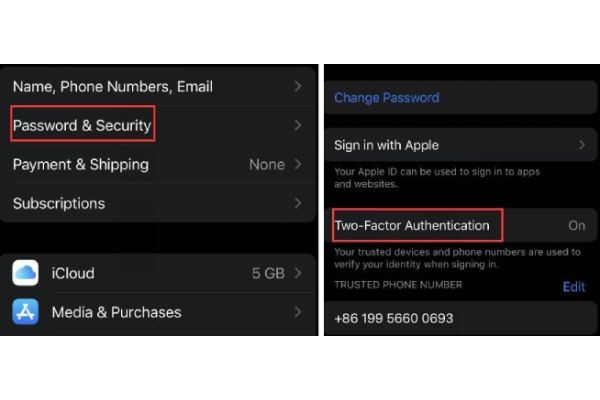
2. Enable two-factor authentication on your iPhone.

3. Click the "Start" button. Enter "0000". Later, click the "Unlock" button.

Remove Apple ID Start Removing Apple ID Download Firmware Package

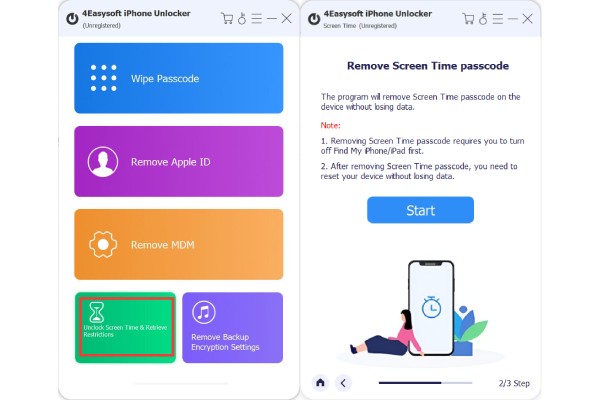
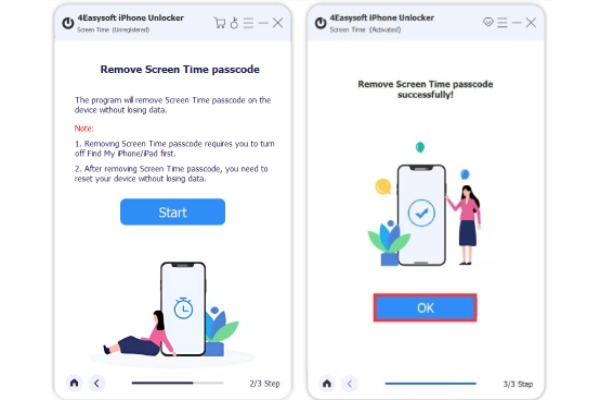
1. Click the "Unlock Screen Time" button.

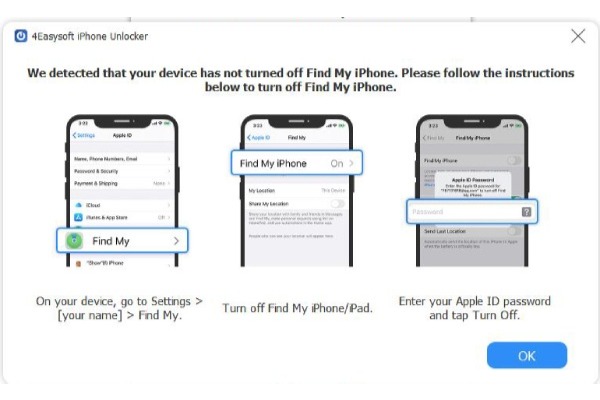
2. Turn off the "Find My" function. Then click the "Start" button.

3. Wait within 10 seconds to remove Screen Time profiles.

Unlock Screen Time Remove Screen Time Passcode Remove Screen Time Passcode

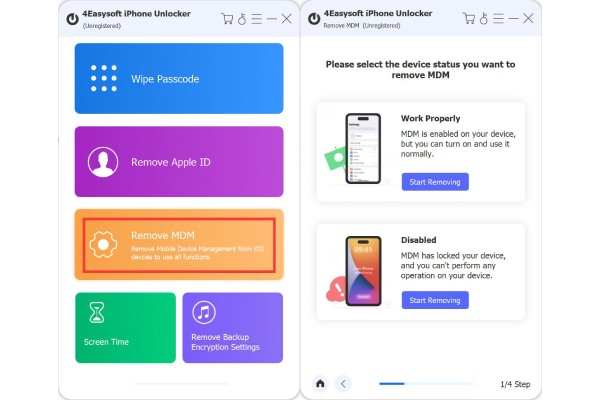
1. Click the "Remove MDM" button. Select the device status from "Work Properly" and "Disabled".

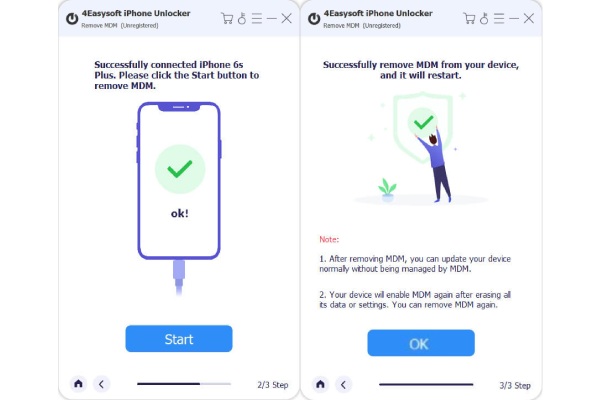
2. Turn off "Find My". Click the "Start" button. And wait for MDM removal.

Remove Apple ID Start Removing Apple ID

We Are Highly Trusted

Carla Murphy

Carla Murphy

I forgot my iPhone passcode after months without using it. After entering the wrong passcode too many times, I was locked out of my iPhone. It shows ‘iPhone is disabled’ with no option to reset without losing data. But 4Easysoft iPhone Unlocker got me back inside the iPhone without messing up anything else.

Stars
Frederick McKnight

Frederick McKnight

Bought a used iPhone only to find it stuck on Activation Lock. Contacting the previous owner was impossible. 4Easysoft iPhone Unlocker removed the lock, and now my iPhone works like new.

Stars
Lillian Ohare

Lillian Ohare

The Screen Time passcode was set by my kids ages ago, and I never wrote it down. Nothing Apple suggested worked. Luckily, 4Easysoft iPhone Unlocker removed the Screen Time lock quickly.

Stars
Marquis Kim

Marquis Kim

My work phone still had MDM control after I left the company. I couldn't install anything or update settings. After using 4Easysoft iPhone Unlocker, all MDM restrictions are gone. Now I can use it as my personal iPhone.

Stars

More Solutions You May Need

4Easysoft iPhone Unlocker

4Easysoft iPhone Unlocker

Forgot the passcode? We've got you covered.