4Easysoft DVD Ripper 4Easysoft DVD Ripper Overview

Digitize Your DVD & Blu-ray Collection in Minutes

Turn DVD and Blu-ray discs into MP4, MKV, MOV, MP3, FLAC, and more for easy playback on Windows, Mac, iPhone, Android, TVs, and media servers. Keep the original quality. Enjoy fast hardware-accelerated conversion.

Rip DVD/Blu-ray to Video Extract Audio from DVD/Blu-ray Convert DVD/Blu-ray to Devices
Rip DVD/Blu-ray to Video

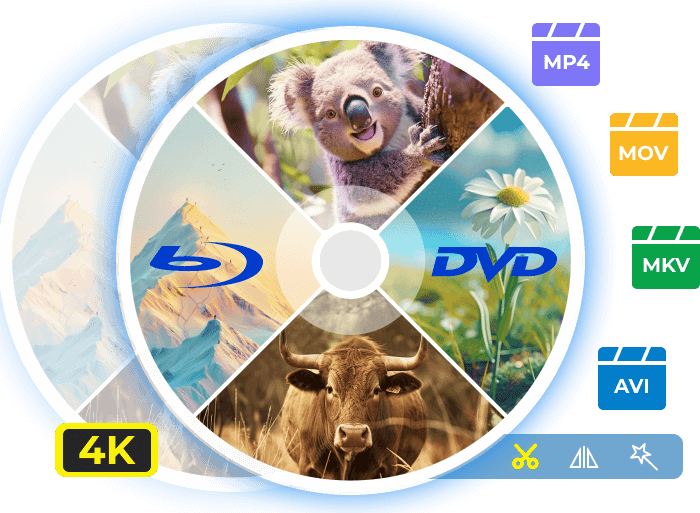
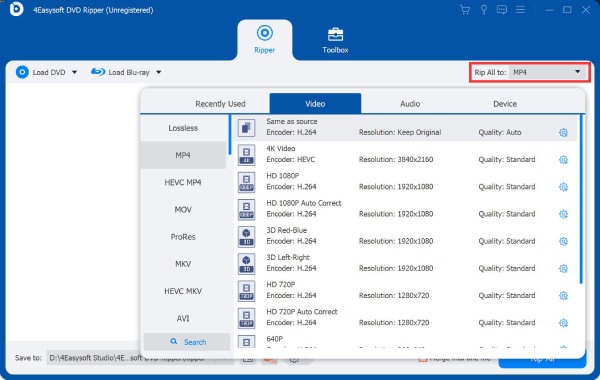
Load your disc and rip it to MP4, MKV, AVI, MOV, and 600+ other video/audio formats. Later, you can play the file anywhere or upload it directly to YouTube, Instagram, or other platforms.

Extract Audio from DVD/Blu-ray

Only need the soundtrack? 4Easysoft DVD Ripper automatically detects and extracts audio tracks from homemade Blu-ray/DVDs. You can save the digitalized versions as MP3, FLAC, WAV, and more.

Convert DVD/Blu-ray to Any Device

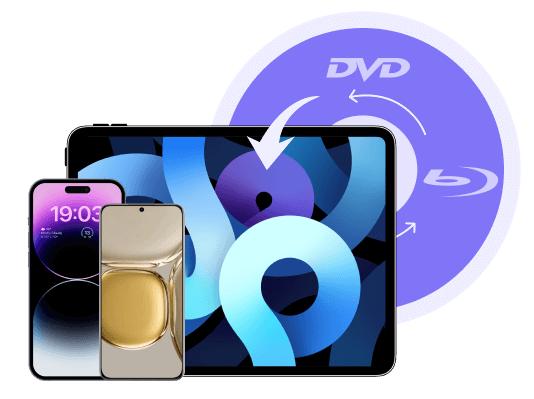
It is important to choose a ready-made device preset to watch DVD/Blu-ray movies on Windows, Mac, Android, or iPhone. No need for extra manual settings..

Support 600+ Formats

Rip DVD/Blu-ray to 600+ video and audio formats for different uses.

4K High Quality

Guarantee the original 4K quality of Blu-ray movies via settings.

30X Faster Speed

GPU acceleration to rip large DVD/Blu-ray discs quickly in few minutes.

Convert Any DVD or Blu-ray to MP4, MKV & More

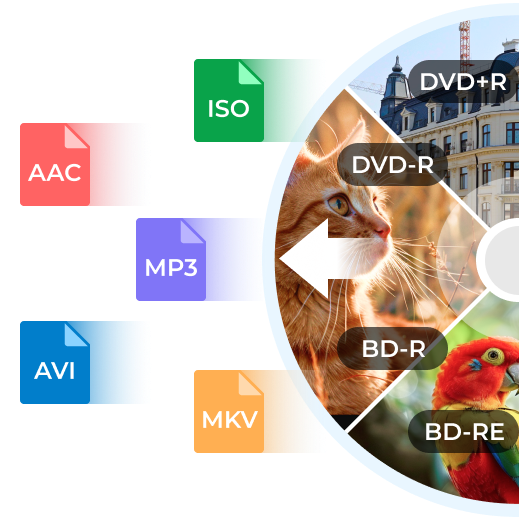
Whether you have a DVD-R, DVD+R, DVD-ROM, BD-R, BD-RE, or BD-XL disc, 4Easysoft DVD Ripper can recognize and convert DVD into MP4, MKV, MOV, MP3, FLAC, and hundreds of other popular formats. You can also customize the video encoder, resolution, bitrate, frame rate, and quality to achieve the ideal balance of file size, compatibility, and playback quality.
Different DVD to Digital
Unlock DVD Protection
Remove All Protection from DVD/Blu-ray Discs

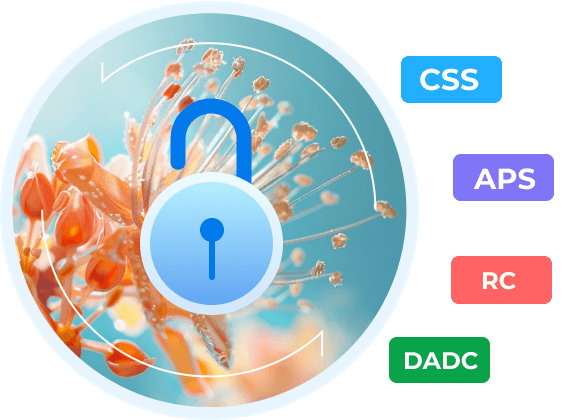
Whether you purchased the DVD/Blu-ray discs from Amazon/Best Buy, you may find them have a foreign disc with another region code, such as CSS, APS, RC, Sony DADC, and more. 4Easysoft DVD Ripper enables you to unlock protections and remove limitations easily, which can help you play you favorite movies on all devices or upload them to all platforms.


Supports region-coded and copy-protected DVDs.*

(*if legally appropriate for your supported markets)

Rip DVD to Digital for Different Scenarios

Fix PlayBack issue Backup Disc Compress Disc Size

Fix Disc Playback Errors

When you have protected DVD/Blu-ray discs, or with different region codes, you can encounter unplayable problems. Thus, you can directly rip DVD/Blu-ray to the desired format through 4Easysoft DVD Ripper.

Digitalize DVD/Blu-ray for Backup

To avoid the damage, aging, or scratch to DVD/Blu-ray discs, you’d better use 4Easysoft DVD Ripper to digitalize them for better and easier saving. In this way, your favorite movies will be saved on your computer.

Compress Disc for Saving

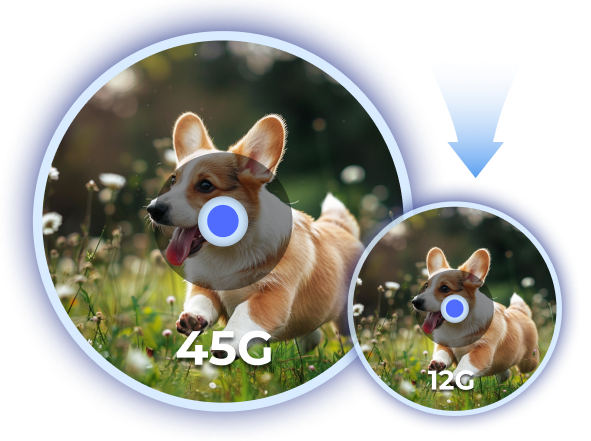
The original disc files are always large with several GBs, which is not good for saving on computers, Android, and iPhone. Thus, you can rip the discs and resize the videos to save more storage space. Moreover, you can watch DVD/Blu-ray movies anywhere now.

Customize DVD/Blu-ray with Advanced Editing Tools

  • Multiple Subtitles
  • Merge Videos
  • Enhance Video
  • Add Watermark
  • Rotate & Crop
  • Adjust Audio Track
Multiple Subtitles
Multiple Subtitles

To have a better watching experience, you can add the desired subtitle in your language to the ripped DVD/Blu-ray. You can also remain the original subtitles as well to learn language with bilingual subtitles.

When adding the subtitles, you can simply adjust the text size, color, and position freely. In this way, you can avoid covering the important scenes and have a better watching experience.

Merge Videos
Merge Videos

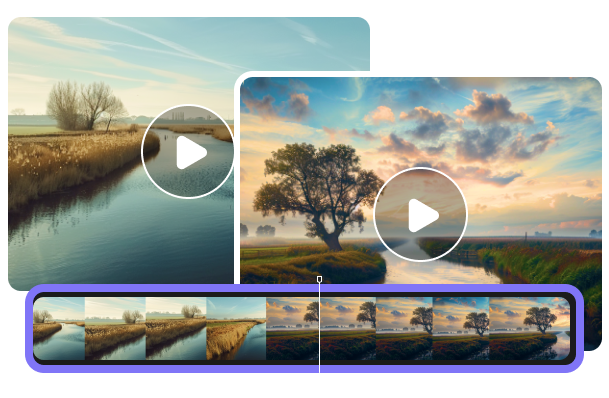
When you want to rip several DVD/Blu-ray discs of TV series, you can also merge them into one video, which will provide you with a smooth watching experience.

By the way, you can use additional powerful tools to cut the repeated opening and ending music for each chapter according to your need. Just tick the “Merge into one file” button before ripping DVD/Blu-ray discs.

Enhance Video
Enhance Video

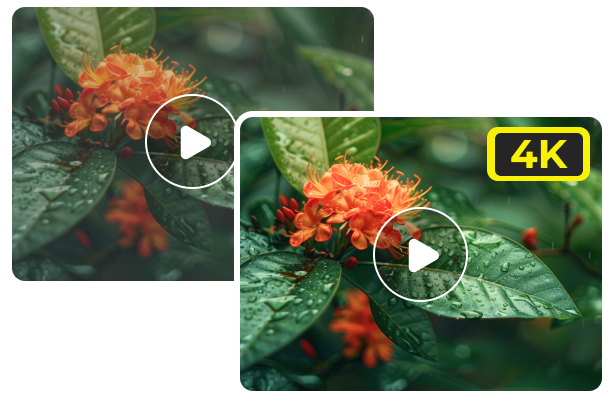
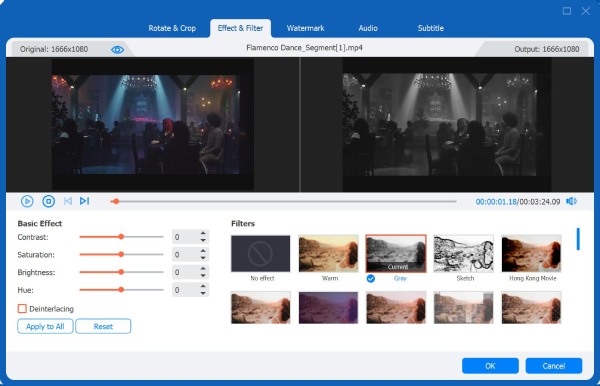
Besides keeping the original quality of DVD/Blu-ray discs, 4Easysoft DVD Ripper can also enhance the 720p DVD/Blu-ray videos to 1080P or 4K resolution according to your need.

Moreover, you can reduce the video shakiness of your vlogs, optimize the brightness and contact with preset filters, and remove the video noise to make the image cleaner.

Add Watermark
Add Watermark

After you rip the home-made DVD/Blu-ray disc, you can also add your own watermark with designed images or any texts. Through it, you can protect your own copyright when uploading or sharing it with others.

As for the watermark, you can adjust the size and position as you like to protect your video from being stolen without blocking the content of the picture.

Rotate & Crop
Rotate & Crop

You can also rotate the ripped DVD/Blu-ray to any degree, including 90, 180, and 270. Moreover, you can flip them vertically or horizontally with one click.

To upload ripped videos to different platforms, you should crop them to the desired aspect ratio, like 16:9, 4:3, 1:1, 9:16, and more. You can also freely drag the borderlines to crop videos to any irregular size. Then, choose the zoom mode to fit the original resolution.

Adjust Audio Track
Adjust Audio Track

Some DVD/Blu-ray discs contain several audio tracks in different languages, and you can select the desired ones or add your own audio files.

Sometimes, you may find that the audio is not sync with video because of changing to another language. Thus, you can set the audio delay and preview it in real time. Moreover, you can adjust the audio volume for different languages.

Rip Your DVD/Blu-ray Disc with 3 Simple Clicks Now

  • Rip DVD Disc
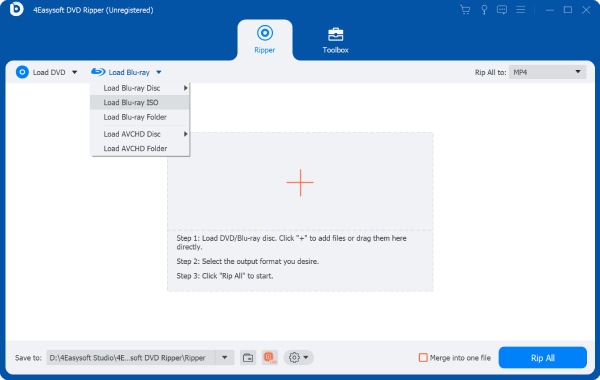
  • Rip Blu-ray Disc

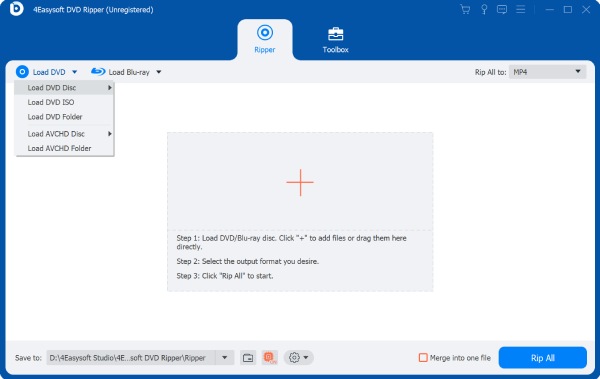
Insert your DVD and click "Load DVD" to add the disc.

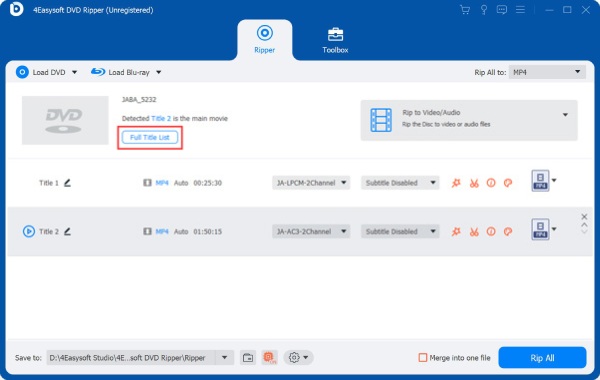
Select the desired chapters, titles, and subtitle tracks.

Click "Rip All to" and choose the desired video/audio formats.

Load DVD File Load All Title List Rip DVD Folder

We Are Highly Trusted

Margot

Nick Wehrill

4Easysoft DVD Ripper is an excellent program to extract the movies from my HD DVDs purchased from Amazon. I used it to convert all DVDs to MP4 for playing on my computer or mobile. Luckily, it even supports the optimal iPhone format as preset.

Stars
Elfin

Radu Daniel

I have some homemade Blu-rays for my childhood, and 4Easysoft DVD Ripper did a good job to help me rip them to digital formats. Now, I have backed up all of them to my computer for easy playback and sharing with my friends.

Stars
Doris

Anna Pyshniuk

I came across 4Easysoft DVD Ripper when I wanted to play some foreign DVD and Blu-ray discs. It really works! I ripped them into videos with several subtitle tracks in different languages. Moreover, the original quality is remained for my home theatre.

Stars

More Solutions You May Need

DVD Ripper 4Easysoft DVD Ripper

Rip DVD/Blu-ray to MP4, MKV, AVI, MP3, and More with Original Quality.