
Reliable video converter, editor, and compressor for daily tasks.

The 10 Best Slow Motion Video Players - Which One Is Best?

Posted by Aira Lesly Escoto to Edit Video/Audio Mar 27, 2026
Sometimes, the details are the ones that happen in the blink of an eye. It could be a dance routine or a fast-paced footage, the standard play button feels way too fast, so you need a slow-motion video player! To truly see the unseen shots, you need a player that not only slows down video but also keeps the visual of your file. Thus, the following list will serve! Take a close look at the top 10 best slow-mo video players for smooth playback.
| Video Player | Platform | Speed Adjustment | Format Support |
| 4Easysoft Blu-ray Player | Windows, Mac | Variable | MP4, MOV, MKV, AVI, Blu-ray, DVD, ISO, etc. |
| VLC Media Player | Windows, Mac, Linux | 0.1x increments | MP4, MOV, AVI, MKV, AVI, WebM, and more. |
| KMPlayer | Windows, Mac | Frame by frame | MP4, MOV, AVI, MKV, etc. |
| PotPlayer | Windows | AI interpolation | MP4, AVI, MKV, MOV, etc. |
| Elmedia Player | Mac | 0.1 toggles | MP4, FLV, MKV, WMV |
| GOM Player | Windows, Mac | A-B loops | MP4, WMV, AVI, FLV, MKV |
| 5KPlayer | Windows, Mac | Hardware boosted | MP4, MOV, MKV |
| RealPlayer | Windows, Mac, iOS/Android | Single tap slider | MP4, WMV, MOV, AVI, RM |
| Cisdem Video Player | Windows, Mac | Quick toggle | MP4, MOV |
| QuickTime Player | Mac | Options + Click | MP4, MOV, M4V, AVI |
Guide List
1. 4Easysoft Blu-ray Player: The Ultimate slow motion HD Lossless Player 2. VLC Media Player: Versatile, Open-Source Slow Mo Player 3. KMPlayer: Precise Frame-by-Frame Video Player 4. PotPlayer: Motion Interpolation for Fluid Slow-Mo 5. Elmedia Player: macOS Player with Seamless Playback Sync 6. GOM Player: Player with Exceptional Looping Speed 7. 5KPlayer: UHD Smooth Slow Motion 8. RealPlayer: slow motion Player with Cloud-Integration 9. Cisdem Video Player: Lightweight slow motion Video Player 10. QuickTime Player: Native macOS slow motion Player1. 4Easysoft Blu-ray Player: The Ultimate slow motion HD Lossless Player
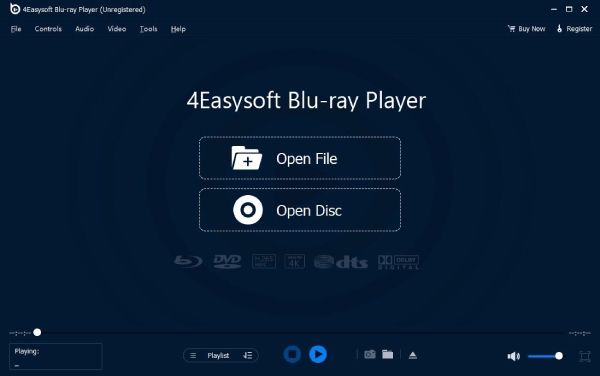
4Easysoft Blu-ray Player handles more than just regular video files. It plays physical Blu-ray discs, DVDs, folders, and ISO image files. So, your disc collection doesn't go to waste. It runs videos from 1080p all the way up to 4K without stuttering or frame loss. The picture stays sharp even when you slow things down. It supports 4K UHD and Dolby audio for lossless video and audio playback. It also uses AI technology to upscale lower-resolution content and optimize color and contrast.
Provide smooth speed control for all 1080p and 4K videos.
Lossless audio engine for high-quality audio even at slow playback speeds.
Give you customizable playback options and let you manage playlists.
A dedicated camera button to capture high-quality, specific frames.
100% Secure
100% Secure
2. VLC Media Player: Versatile, Open-Source Slow Mo Player
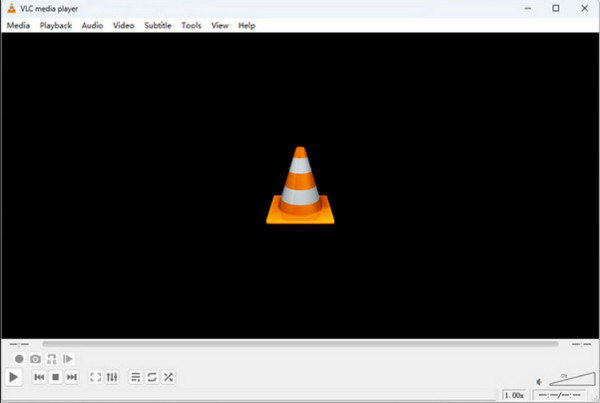
Here's a more versatile, universally recognized tool for you, the VLC Media Player. It remains the most popular choice for users who want a free solution that plays any file format. Using this slow-motion player, you can decrease playback speed using only keyboard shortcuts. Furthermore, it has an advanced fine-tune setting that lets you adjust the audio pitch so that voices won't sound unnatural during slow playback.
3. KMPlayer: Precise Frame-by-Frame Video Player
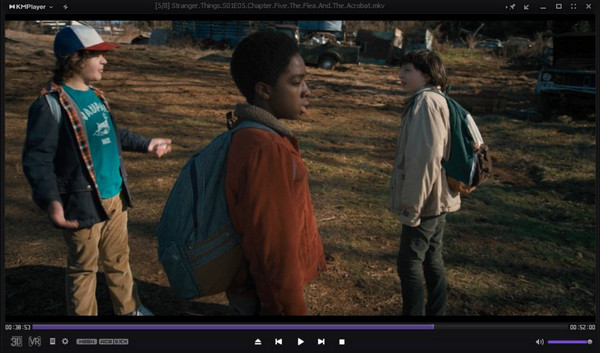
KMPlayer is next on the list. It gives you frame-by-frame control over your video. This makes KMPlayer a solid pick for video editors and sports fans. You can step through footage one frame at a time to catch details you'd normally miss. Slow-motion playback stays smooth even with high-resolution videos. You can also adjust brightness and contrast, and apply filters to get a clearer view within KMPlayer. It also lets you set bookmarks to jump back to specific parts of a video quickly.
4. PotPlayer: Motion Interpolation for Fluid Slow-Mo
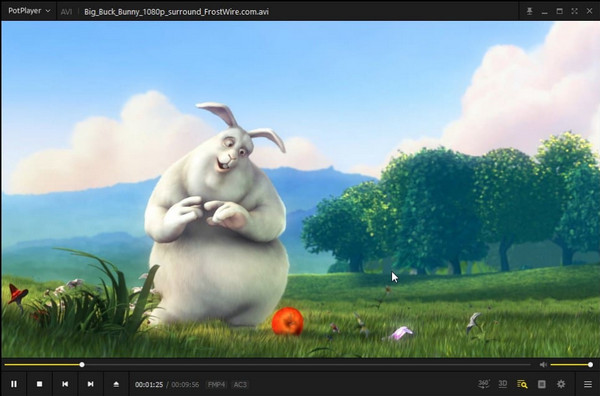
Switching to visual smoothness, use PotPlayer as your slow motion video player on Windows. Unlike other standard players, PotPlayer uses AI-driven techniques to create transitional frames, resulting in a natural slow-motion look. It also has a wide array of codecs and allows for deep hardware acceleration to keep the CPU load low.
5. Elmedia Player: macOS Player with Seamless Playback Sync
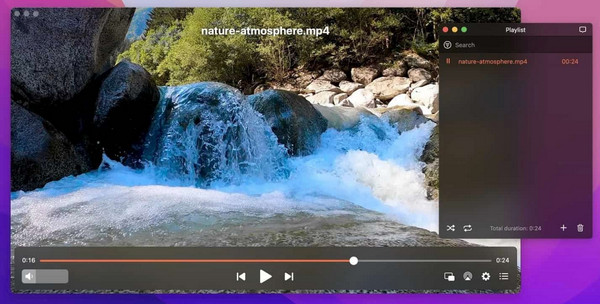
Meanwhile, Elmedia Player is a sophisticated slow motion video player for Mac users, focused on providing a seamless sync between their hardware and software. Its speed controls are integrated into a clean, modern display that does not distract from the viewing experience. For Mac lovers who want a Pro version of the default player with extensive format support, Elmedia Player is a step up.
6. GOM Player: Player with Exceptional Looping Speed
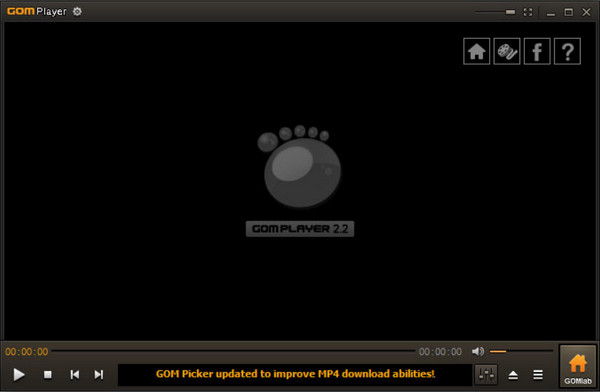
The next slow motion video player is GOM Player, a specialized tool for section repeat functions. Here, you can mark start and end points in a video and have the player loop at a slow motion speed. Moreover, it has a built-in Codec Finder that automatically locates any missing files needed to play not famous video formats.
7. 5KPlayer: UHD Smooth Slow Motion Player
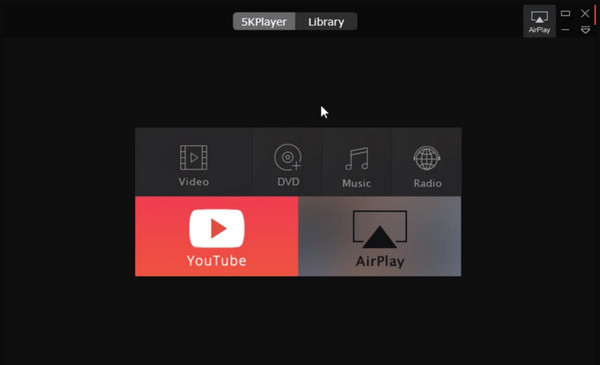
For those handling ultra-high definition files, 5KPlayer is built for it. This slow motion video player provides a hardware-accelerated engine that deals with 4K and 5K files with ease. It also has a built-in downloader and AirPlay sender, making it a flexible 5KPlayer player is an excellent choice to slow down videos.
8. RealPlayer: Slow Motion Player with Cloud-Integration
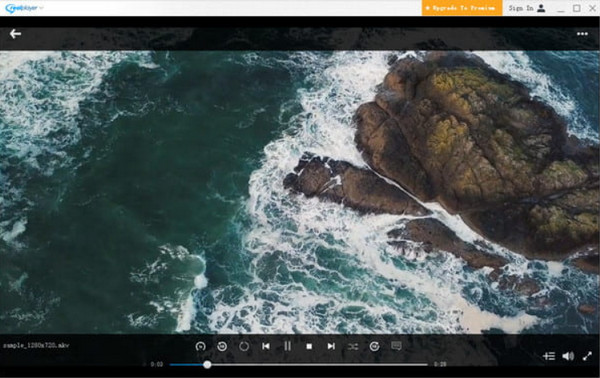
While many other slow motion video players stay local to your computer, RealPlayer here can work not only on your desktop but also on your smartphone. This tool is particularly great if you want to record videos on your phone and watch them in slow motion on a larger screen later. Furthermore, it offers a friendly interface, allowing for speed edits and quick clips to be shared instantly.
9. Cisdem Video Player: Lightweight Slow Motion Video Player
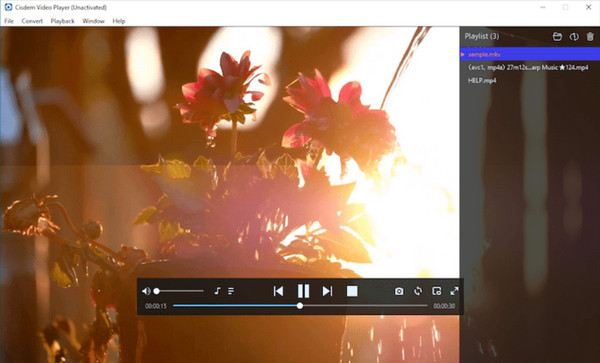
Want something simple with no extra clutter? Cisdem Video Player is worth a look. It is a lightweight app that keeps things clean and easy to use. The slow motion controls are simple, no complicated menus to dig through. It handles 5K and 8K videos smoothly without lagging or stuttering. That's impressive for such a small app. The interface is straightforward, and both Windows and Mac users can pick it up quickly. It also has no annoying pop-up ads, and the developers don't track your data.
10. QuickTime Player: Native macOS Slow Motion Player
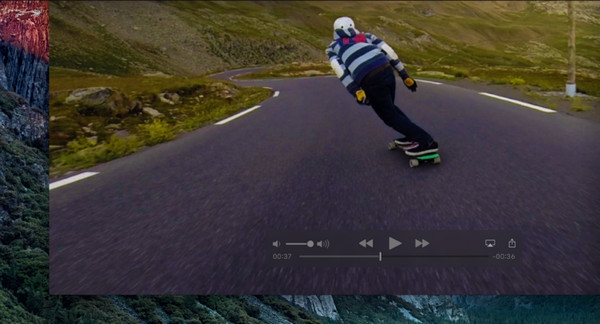
Look at the tool every Mac user already has: QuickTime Player (Now you can also get QuickTime Player for Windows.). This slow motion video player offers a clean, macOS-optimized interface. You can adjust the speed in 0.1x by holding the Option key and clicking the fast-forward/rewind buttons at the same time. Plus, it supports Scrubbing, where you use your two fingers on the trackpad to move the video forward or backward.
Conclusion
The universal compatibility of VLC is a great support for playing a slow motion video. Or, you can use the simplicity of QuickTime to handle basic speed adjustments. While all slow motion video players here help you slow down the action, some may struggle to maintain the video clarity. So, it's worth using the 4Easysoft Blu-ray Player to enjoy a lossless experience of your HD files and even physical discs. Whether you want to slow down a Blu-ray or a modern digital file, this player offers the exceptional performance and reliability you deserve.
100% Secure
100% Secure
