
Remove screen passcode, Apple ID, MDM and Screen Time from iPhone safely.

[Top-List] Reliable iPhone Unlocker Software for Free

Posted by Alvin Cantero to iOS Unlocker May 12, 2026
A free iPhone unlock software can be useful, especially when you don't have immediate access to practical recovery options. Whether you forgot your passcode, encountered a disabled device, or purchased a second-hand iPhone, using a reliable unlock tool can help restore access quickly. Fortunately, there are several free iPhone unlocker tools available that provide practical solutions. In this guide, you will explore safe and effective options to unlock your iPhone.
Guide List
A Safe & Powerful iPhone Unlock Software for Free Download 8 Free iPhone Unlock Software That You Can Trust Tips for Selecting Free Programs to Unlock iPhone SafelyA Safe & Powerful iPhone Unlock Software for Free Download
If you are looking for a reliable and efficient solution, 4Easysoft iPhone Unlocker is a strong option to consider. This iPhone unlock software for free download is designed to help you remove various types of locks. No matter what issues you are encountering, this tool can help you regain access to your iPhone with step-by-step guidance. Even beginners can unlock their iPhones without technical knowledge.
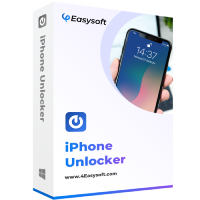
Get into your locked/disabled/frozen iPhone safely.
Unlock a disabled iPhone even after too many tries.
Remove MDM and Screen Time restrictions easily.
Decrypt iTunes Backup if you forgot the password.
100% Secure
100% Secure
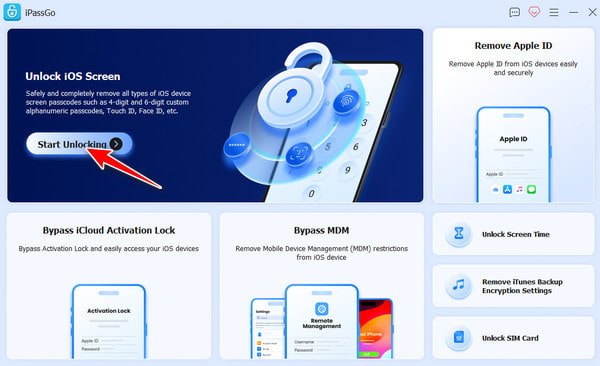
Step 1Launch 4Easysoft iPhone Unlocker and click the "Start Unlocking" button under the "Unlock iOS Screen" tab. After connecting your iPhone to the device, click the "Start Now" button.
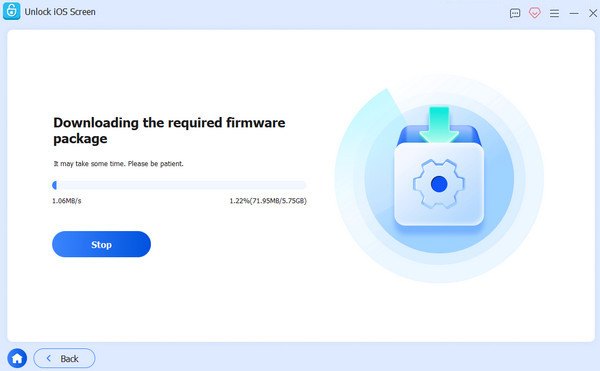
Step 2Make sure the information listed is correct. Then, click the "Start" button to download the firmware on this free iPhone unlocker.
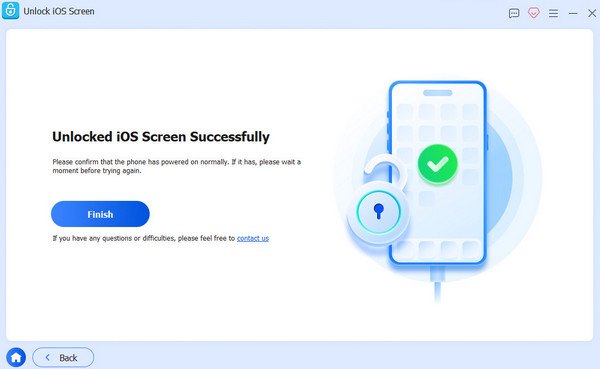
Step 3Follow the instructions to unlock your iPhone and click the "Finish" button. And your iPhone will be unlocked after the process.
8 Free iPhone Unlock Software That You Can Trust
Besides dedicated solutions, there are also several free iPhone unlock software available that can help you regain access to your device. While each of them has its own drawbacks, you can select the desired one based on the situation of your iPhone.
1. iTunes (Finder on macOS)
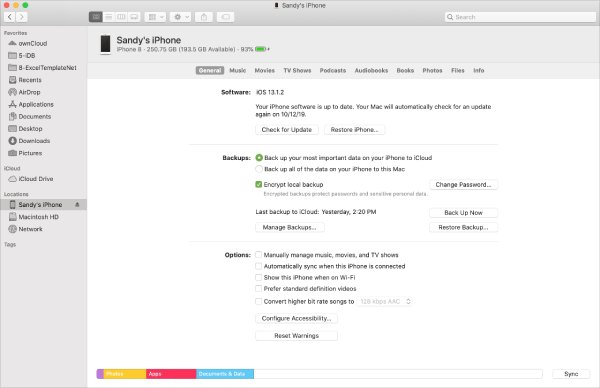
iTunes (referred to as Finder in newer macOS versions) is the official solution provided by Apple for restoring and unlocking iPhones. You can clear the password and regain access by switching the device to recovery mode. It is highly reliable and completely free, making it the top choice for many people.
- Pros
- Official Apple tool with customer services
- A totally free iPhone unlock software
- Work on both Windows and Mac
- Cons
- Data will be erased after unlocking
- Requires an Apple ID credential to work
- The process can be time-consuming
2. iCloud (Find My iPhone)
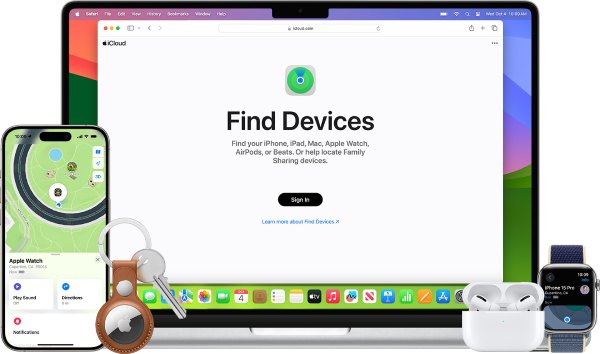
If you prefer to unlock your iPhone for free in an official way, then iCloud is also a solid solution. As long as you have previously logged into your Apple ID on your iPhone and used iCloud for backups, you can directly use this method to unlock your iPhone by logging in again and verifying your identity.
- Pros
- A safe official tool to unlock an iPhone for free
- Remote access with iCloud services
- Can be used to unlock a disabled iPad, iPhone, or iPod.
- Cons
- Require Apple ID to identify the owner
- All data and settings will be erased
- Work relies on a stable Internet connection
3. Dr.Fone - Screen Unlock
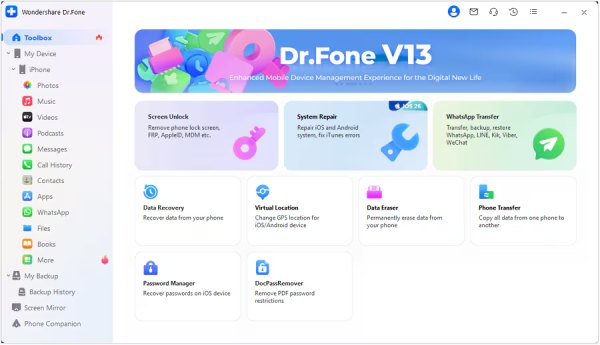
Dr.Fone provides a screen unlock tool that supports various lock types. While the full version is paid, its trial version allows limited free usage. However, a free trial is offered for new users; only a few options are available for unlocking an iPhone for free.
- Pros
- Support multiple lock types for different situations
- A user-friendly interface with a straightforward guide
- The process of unlocking is fast
- Cons
- Certain features are unavailable in the free version
- The guide is not concise enough for beginners
- Not many modes are offered
4. iMyFone LockWiper
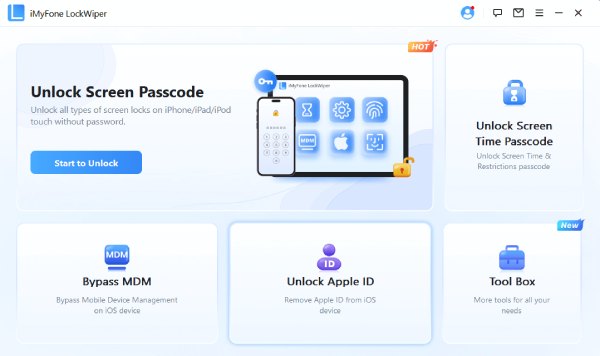
iMyFone LockWiper is a tool specifically designed to unlock various iPhone lock mechanisms, such as screen passwords and Apple ID restrictions. Its free trial version offers some of the functions, allowing users to try out the tool first before deciding whether to purchase it.
- Pros
- Quick processing speed to unlock the iPhone for free
- Simple steps to follow for beginners
- Stable performance during the process
- Cons
- There may be cases where success cannot be achieved at one go
- Require a payment for full unlock
- Possible data loss without a backup in advance
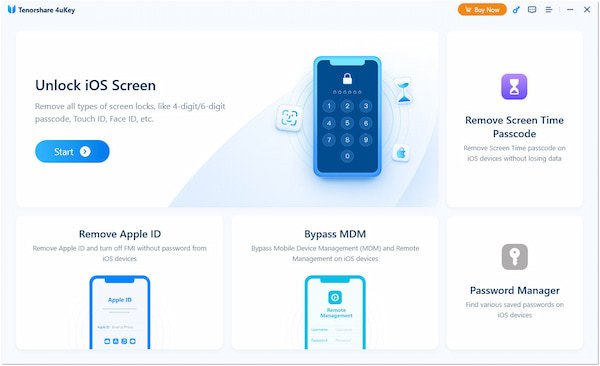
5. Tenorshare 4uKey
Tenorshare 4uKey is a well-known iPhone unlocking tool that enables password removal and device reactivation. The trial version has limited functions, but you can check device compatibility and perform initial settings on the free version.
- Pros
- High success rate under different circumstances
- Work on several iOS versions, whether old or new
- A Free program to unlock an iPhone with a free trial
- Cons
- No specialized mode for unlocking the SIM card
- The interface for managing passwords is not intuitive
- Potential data loss after unlocking your iPhone
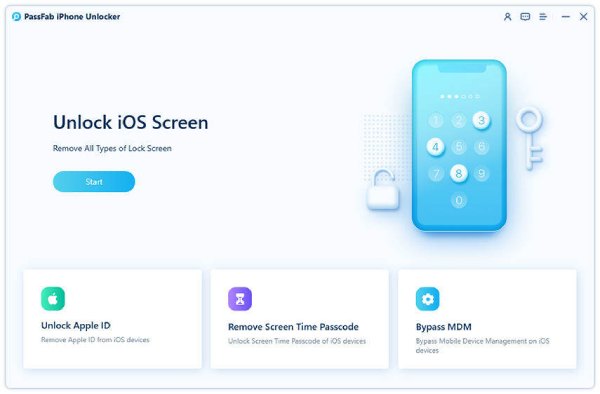
6. PassFab iPhone Unlocker
PassFab iPhone Unlocker offers solutions for removing screen locks and Apple ID. This free iPhone unlock software provides a guided process that simplifies unlocking for beginners, though its free version mainly serves as a preview of features.
- Pros
- Useful for unlocking a disabled iPhone
- Clear instructions to follow for beginners
- Support multiple devices
- Cons
- Limited free access to its features
- Slower processing in trial mode
- Take a considerable time for large updates
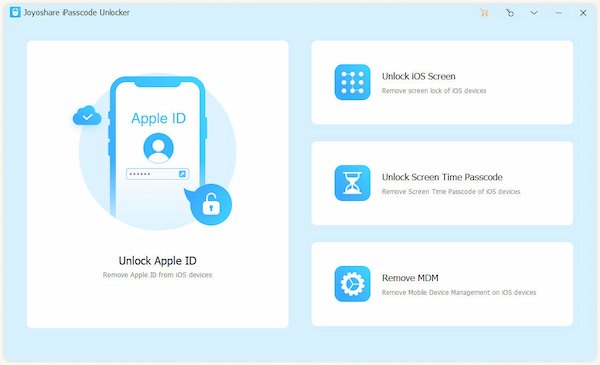
7. Joyoshare iPasscode Unlocker
Joyoshare iPasscode Unlocker is a straightforward tool for removing different types of iPhone locks. It supports various scenarios such as disabled devices and forgotten passcodes, with a trial version for testing.
- Pros
- Free iPhone unlocker for different situations
- Support multiple lock types
- Stable process of unlocking your iPhone
- Cons
- Not perform well on the old models of iPhone
- Take a long time when downloading firmware
- Potential data loss when dealing with hard issues
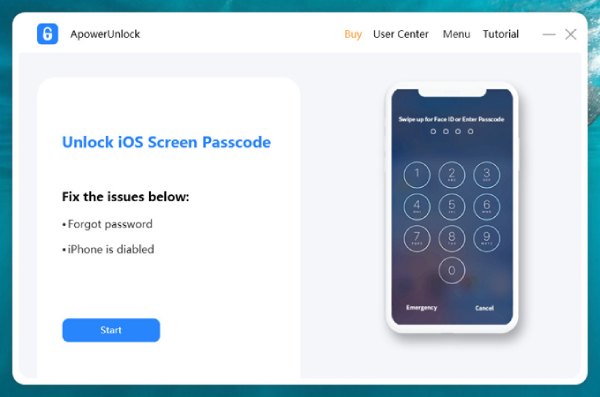
8. ApowerUnlock
ApowerUnlock is a lightweight and free iPhone unlocking software that can efficiently unlock the screen. Its trial version only provides limited access to functions, but it can quickly demonstrate its features and performance.
- Pros
- Lightweight without a heavy downloading process
- Quick unlocking process on any iPhone model
- Work for iPhone in lockdown mode
- Cons
- Trial limitations for times of unlocking
- The software has been updated less frequently
- Require paid upgrade to deal with hard issues
Tips for Selecting Free Programs to Unlock iPhone Safely
Choosing a free iPhone unlocker requires careful consideration to avoid potential risks such as data loss, compatibility issues, or security concerns. The following tips will guide you in selecting the right software for your needs.
- Check compatibility with your iOS version: Before choosing a free iPhone unlocker , ensure it supports your specific iPhone model and iOS version. Some tools may lack support for the older iPhone models.
- Prioritize data safety and backup options: Unlocking an iPhone may result in data loss. While looking for a tool to unlock iphone for free , you can find those equipped with built-in backup options.
- Evaluate ease of use and interface design: A user-friendly interface is crucial, especially for beginners. Tools with clear instructions and guided steps can reduce the risk of mistakes and make the unlocking process more efficient and less stressful.
- Verify reputation and user reviews: Always check reviews and ratings before downloading any free iPhone unlock software . Reliable tools usually have positive feedback and consistent updates.
Conclusion
In conclusion, free iPhone unlockers can provide practical solutions when you are unable to access your device. While most tools have their disadvantages and limitations, 4Easysoft iPhone Unlocker can help you unlock your iPhone and regain full control of your device.
100% Secure
100% Secure
