
It plays Blu-ray discs, folders, and ISO files while handling protections such as AACS and BD+, without requiring complicated manual configuration.

10 Best Blu-ray Players for PC and TV Plus Common Fixes

Posted by Paula Pailaga to DVD/Blu-ray Player Sep 18, 2026
Blu-ray’s big advantage is that you actually own the movie, and you can enjoy its full-quality picture and sound even without an internet connection. But choosing the best Blu-ray player for your collection can get confusing. It can either be Blu-ray player software or a standalone player for your TV. In this guide, the top 10 best options are rounded up for desktop and TV use, comparing their features to help you find the right one for your setup.
Guide List
Best Blu-ray Player Software for Windows and Mac Best Hardware Blu-ray Players (For TV Use) Common Problems of Blu-ray Playback and What Causes Them FAQsBest Blu-ray Player Software for Windows and Mac
A good Blu-ray player should do more than open a movie file. If you want to enjoy your disc, you may need support for encryption, menus, subtitles, 4K UHD content, surround sound, and different region codes.
So, to make the search easier for you, below are the five best 4K Blu-ray players worth considering:
1. 4Easysoft Blu-ray Player
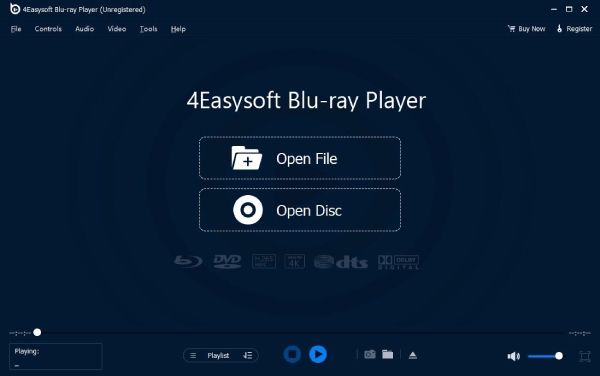
A dedicated Blu-ray player for both Windows and Mac is the best place to start, the 4Easysoft Blu-ray Player. It plays Blu-ray discs, folders, and ISO files while handling protections such as AACS and BD+, without requiring complicated manual configuration. It covers 4K UHD video and can preserve high-quality Dolby TrueHD and DTS-HD Master Audio for a more great home-theater experience. With hardware acceleration and a simple interface, it is the perfect pick for an easy way to enjoy your Blu-rays on your computer.
Best for: Playing commercial Blu-rays with 4K video, menus, and high-quality audio.
100% Secure
100% Secure
2. Leawo Blu-ray Player
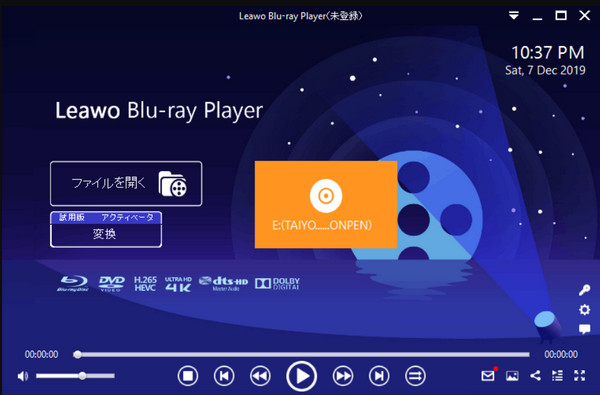
Leawo Blu-ray Player is a popular Blu-ray player choice for anyone who wants a dedicated Blu-ray player. It supports Blu-ray discs, folders, ISO files, and DVDs, as well as many video and audio formats. Plus, it supports HD and 4K content and has options for adjusting your video, audio, and subtitle settings.
Best for: Free Blu-ray playback on Windows and Mac.
3. Macgo Blu-ray Player
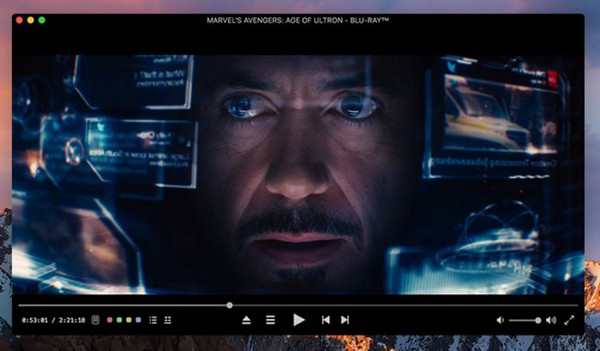
Next is Macgo Blu-ray Player, which focuses on Blu-ray playback and is mainly for Mac users. This Blu-ray player is designed for protected Blu-ray discs and offers high-definition playback with advanced audio formats. However, some of its features are restricted to its paid version, so check the edition first before expecting every Blu-ray feature to be available.
Best for: Mac users who want a Blu-ray player with wide disc support.
4. VLC Media Player
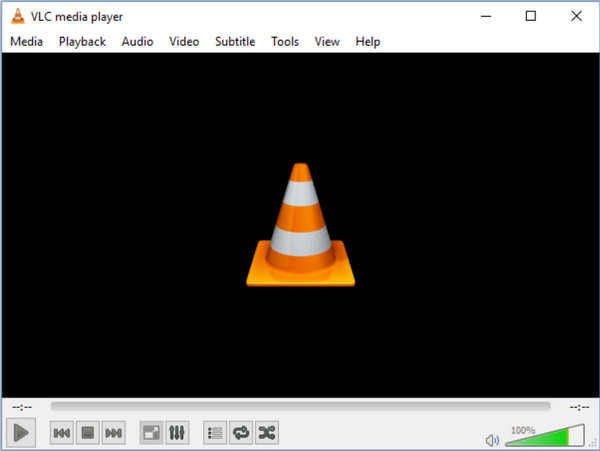
VLC Media Player is one of the most familiar free Blu-ray player choices that handle almost anything you throw at it, but Blu-ray playback is where things become a little more difficult. It helps you play Blu-ray folders, ISO images, and compatible disc content, but commercially protected Blu-rays may need extra configuration and aren’t guaranteed to play instantly.
Best for: Free playback of unprotected Blu-ray folders, ISO files, and other video files.
5. PlayerFab Ultra HD Player
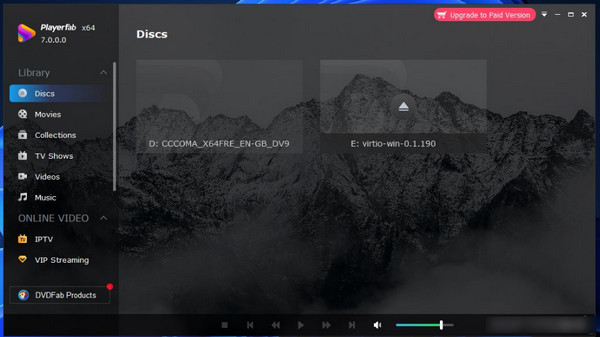
Last but not least, PlayerFab Ultra HD Player is a premium choice designed for anyone seeking more than basic disc playback. Your Blu-ray and 4K Ultra HD can be played, alongside DVD playback and digital media. Its 4K focuses on playback power, makes it the best Blu-ray player choice for users with a high-end monitor and a large physical movie collection.
Best for: Movie lovers who are particularly into premium 4K playback.
| Feature | 4Easysoft Blu-ray Player | Leawo Blu-ray Player | Macgo Blu-ray Player | VLC Media Player | PlayerFab Ultra HD Player |
| OS | Windows, Mac | Windows, Mac | Windows, Mac | Windows, Mac | Windows, Mac |
| Encryption handling | Yes, AACS/BD+ | Yes | Yes | Limited | Yes |
| Blu-ray menu support | Yes | Yes | Yes | Limited | Yes |
| 4K UHD | Yes | Yes | Limited | Limited | Yes |
| HDR and audio passthrough | Yes | Yes | Yes | Yes | Yes |
| Region free | Yes | Yes | Yes | Limited | Yes |
| ISO and BDMV folder playback | Yes | Yes | Yes | Yes | Yes |
| Hardware acceleration | Yes | Yes | Yes | Yes | Yes |
Best Hardware Blu-ray Players (For TV Use)
Suppose you’d rather skip using your computer altogether. A standalone Blu-ray player is the way to go! These hardware Blu-ray disc players connect to your TV via HDMI and are made for the living-room experience, with dedicated support for your Blu-ray and 4K UHD discs.
Here are five solid options, each perfect for a different type of viewer.
1. Sony UBP-X800M2 - For Movie Collectors
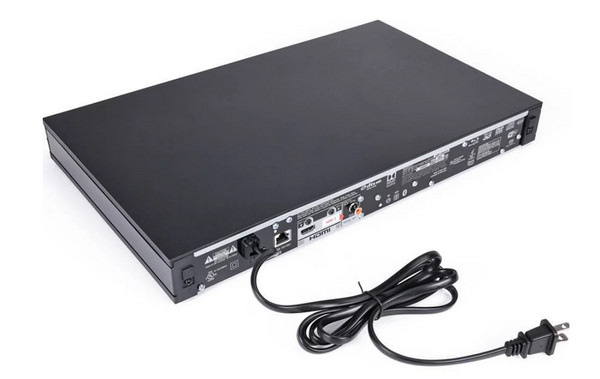
First is the Sony UBP-X800M2, an ideal choice for serious movie collectors who want an all-in-one player to handle their various discs and media. With its sturdy build and broad format compatibility, it is a premium choice for a Sony Blu-ray player for your large physical media collection.
2. Panasonic DP-UB820 - For Your Overall Home Theater
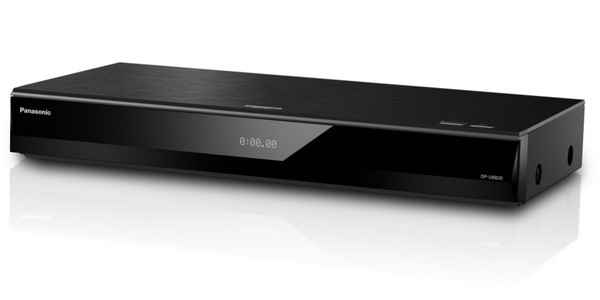
The next one is a great fit for your 4K TV and home theater setup. The Panasonic DP-UB820 supports Dolby Vision, HDR10, HDR10+, and HLG, giving it flexibility across various HDR formats.
3. Panasonic DP-UB450 - For HDR Fans on a Budget
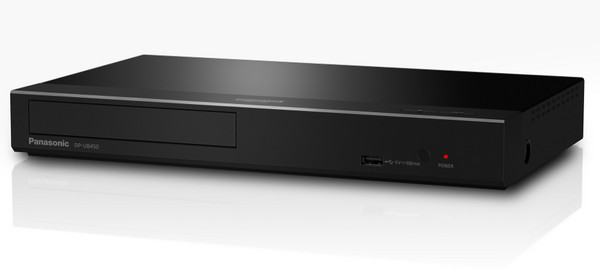
Another Panasonic model, the DP-UB450, offers many of the essential features found on more expensive 4K players without costing as much. It is a practical, Blu-ray hardware player for enjoying your movies, not a machine with extras.
4. Sony UBP-X700 - For Your Everyday 4K Viewing
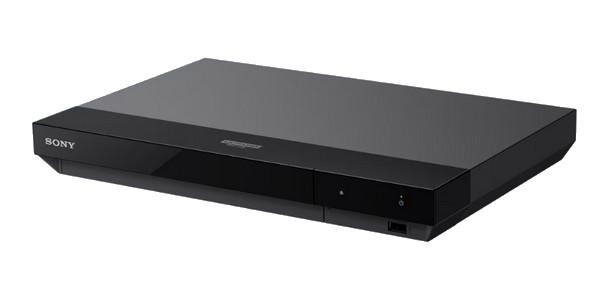
The Sony UBP-X700 is a perfect middle-ground hardware Blu-ray player option for those who want 4K playback at a more approachable price. Its compact design, along with 4K Blu-ray, HDR, Dolby Vision, and 4K upscaling support, makes it a smart choice for your entertainment center.
5. Panasonic DP-UB150 - For a Budget 4K Player
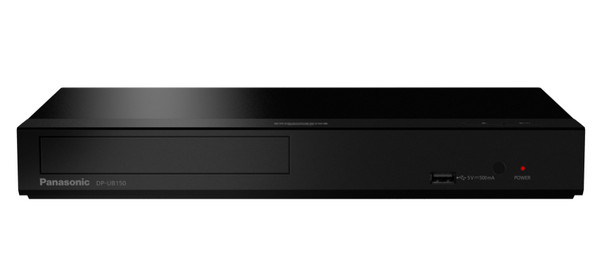
Keeping things simple and focusing on 4K disc playback, the DP-UB150 does not have as many features as other Panasonic models, which makes it a good fit for budget-conscious users. It supports 4K UHD Blu-ray and HDR formats while offering upscaling for your compatible content.
Common Problems of Blu-ray Playback and What Causes Them
Even with a perfect Blu-ray player software or hardware, playback doesn’t always go as smoothly as you think it will. A disc may refuse to load, a movie may stop halfway, or more; check the common problems below, and you may only need a simple fix.
- The Blu-ray player software won't open the disc. If your computer’s software couldn't open your disc, encryption is the first thing to check. An incompatible drive, an outdated player, or a damaged disc can prevent them from loading as well.
- Playback is choppy or stuttering. When the picture freezes, it may be related to your insufficient hardware resources or a slow disk drive. Also, you may have updated graphics drivers, disabled hardware acceleration, or have a scratched disc.
- No audio or wrong audio. The problem may come from an unsupported codec, the wrong audio track, or incorrect output settings. If you're using a home theater, make sure your player and other equipment support Dolby or DTS-HD.
- Subtitles or audio tracks are missing. Sometimes, when the movie is playing, a subtitle option isn’t available. This can happen because of an incorrect reading of the menu structure, a title not having that track, or the software having limited support for some subtitle formats.
FAQs
-
Can I play Blu-ray discs on my computer?
Yes, absolutely. For this, you will need a compatible drive and Blu-ray player software. Make sure to pick one that provides better support for menus, subtitles, encryption, and 4K playback.
-
Is a hardware Blu-ray player better than software ones?
It depends on how you want to watch and enjoy your movie collection. A hardware player is more ideal for TV and home theater setups, while software players are perfect for computers and playing ISO and BDMV files.
-
Can all Blu-ray players play my 4K UHD Blu-ray disc?
Not really. 4K UHD Blu-ray needs a compatible Blu-ray player and drive, and a standard player may only support 1080p discs. So, always check for explicit 4K Ultra HD Blu-ray support before buying one.
Conclusion
Getting the best 4K Blu-ray player really depends on how and where you will watch your movies. There’s a dedicated hardware player for TV and a desktop software for your PC. And when a player refuses to play it, the issue is often something very simple. If you mainly watch your Blu-ray collection on Windows and Mac, the suggested option is the 4Easysoft Blu-ray Player. It supports Blu-ray discs, folders, and ISO files while offering 4K playback, menus, handle encryptions, and high-quality audio support. No playback headaches anymore.
100% Secure
100% Secure
