
Record, edit, and share video from all sources.

[Top Picks] Best Loom Alternatives That You Can Trust

Posted by Ethan Brooke to Review May 13, 2026
As user needs evolve, many begin to look for Loom screen recorder alternatives that offer more flexibility, advanced features, or better pricing. Whether you need higher recording quality, more editing options, or fewer limitations, choosing the right alternative can significantly improve your workflow. In this guide, you will explore why switching from Loom may be necessary and discover some of the best alternatives available today.
Guide List
Why is a Loom Alternative Necessary for You Today The Most Powerful Loom Screen Recorder Alternative Top Picks for Loom Alternatives That You Can TrustWhy is a Loom Alternative Necessary for You Today
Although Loom is very convenient to use, it may not be able to meet the needs of all users in more complex scenarios. Whether it is the limited functions of the free version or the editing tools unlocked after payment, they usually can only meet the basic editing requirements. However, for professional annotation or post-production visual effects, Loom still cannot fully provide these functions.

As a result, switching to a more versatile option as a Loom alternative can provide better performance, more customization, and improved productivity, especially for content creators, educators, and professionals who rely on high-quality recordings.
The Most Powerful Loom Screen Recorder Alternative
If you are looking for a more comprehensive alternative to Loom screen recorder, 4Easysoft Screen Recorder stands out as a solid option. Whether you are a beginner or a professional, you will find 4Easysoft Screen Recorder very useful. It strikes a perfect balance between high-quality screen recording and a wide range of editing options, while also not consuming excessive resources throughout the process.
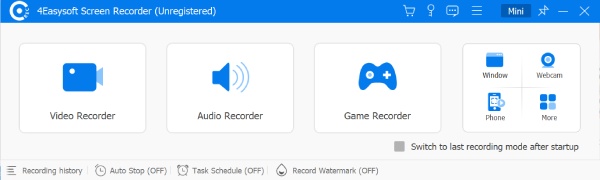
Capture any area of your screen, providing flexibility for a wide range of recording needs.
Easily trim, cut, and add annotations, ensuring your content is polished and professional.
Export your videos in multiple formats and share them directly to manifold platforms.
Superior recording quality up to lossless, capturing every detail with precision.
100% Secure
100% Secure
Top Picks for Loom Alternatives That You Can Trust
Apart from 4Easysoft Screen Recorder, there are many alternatives to Loom for you to choose from. Although they all have some shortcomings to varying degrees, overall, they are still reliable. You can refer to the listed options below based on your needs to see if there is a choice that meets your requirements.
1. OBS Studio
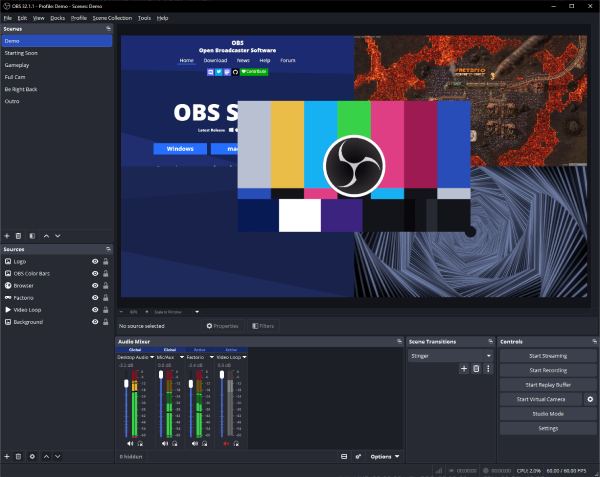
Many users have reviewed OBS Studio as one of the most powerful open-source screen recording and live streaming software. Many professionals use OBS because it supports high-quality video recording, multiple input sources, and advanced customization features. Although it doesn't have built-in cloud sharing functionality like Loom, it allows for complete control over the recording settings.
- Pros
- Customize recording settings based on your preference
- Various modes for different recording purposes
- Widely used by content creators and live streamers
- Cons
- Steep learning curve for beginners
- No cloud-based platform for easy sharing
- Complex setup before recording
2. Camtasia
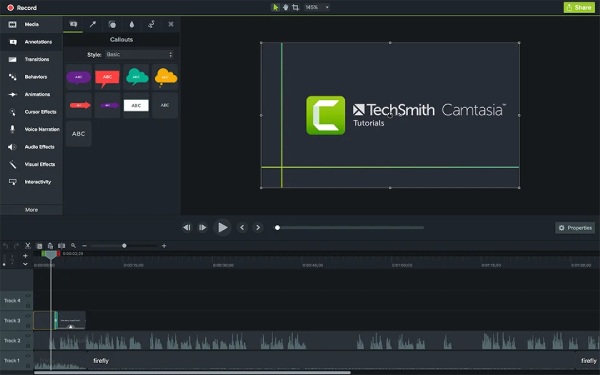
If your aim in seeking Loom alternatives is to record tutorials, lectures, or presentations, then Camtasia would be a good option. Apart from the basic recording function, it offers a wide range of annotations and highlighting options, which can help you emphasize the key points in the screen recording to convey them to the audience.
- Pros
- Built-in editor for post-production
- Easy-to-use interface and clear guide
- Rich visual effects to apply to your recording
- Cons
- Consume considerable resources during recording
- Expensive one-time purchase
- Paid version required to record limitlessly
3. ScreenPal
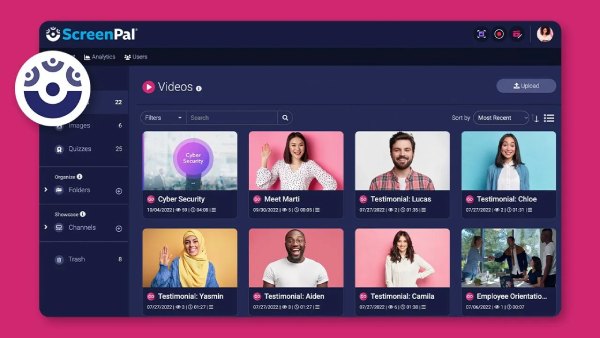
For those users who are looking for a tool like Loom that can screen record a Mac with audio, ScreenPal enables you to accomplish similar tasks without consuming excessive resources on your Mac. Its audio recording quality is excellent, ensuring that you won't miss any details.
- Pros
- A quick setup to start the recording process
- affordable plans for daily recording needs
- Quick sharing options via the cloud
- Cons
- Limited features in the free version
- Watermark remained on exports
- Not too many editing features are offered
4. Bandicam
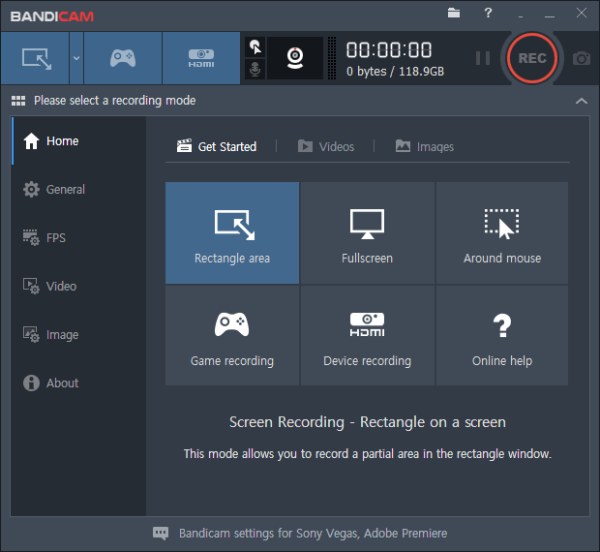
Bandicam is a lightweight screen recording software. It is renowned for its ability to record high-quality videos. It is particularly favored by gamers and users who need to precisely record specific windows or devices.
- Pros
- High-quality recording for various scenarios
- low CPU usage during the recording process
- One of the best screen recorders for Windows 11
- Cons
- Paid license required to use all features
- Limited editing features for polishing
- The interface can be complex for beginners
5. ShareX
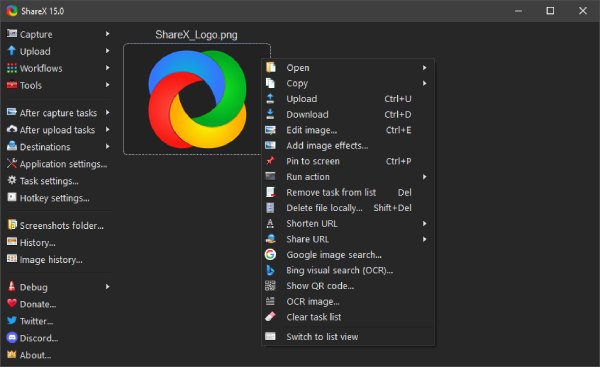
As a lightweight and free alternative to Loom, ShareX has always been one of the best choices for many people when it comes to quickly recording videos. This open-source software is completely free of charge. Users can download it and start recording without any additional obstacles.
- Pros
- Completely free to record all content
- Lightweight without heavy downloading
- Strong and quick sharing features
- Cons
- No advanced editing options
- Interface can be confusing
- The speed of uploading can be slow
6. Snagit
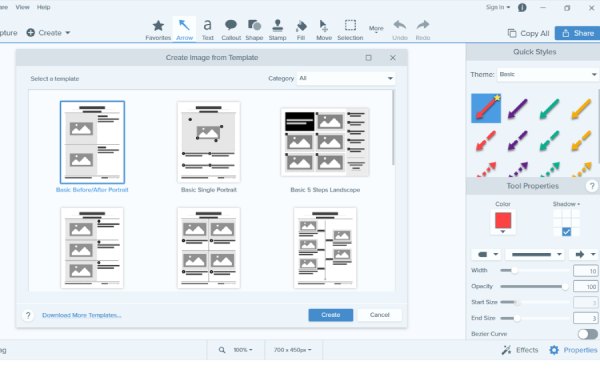
Snagit is a tool that enables you to quickly convey information by taking screenshots and recording videos. Its main functions include capturing screenshots and short videos, as well as providing basic editing and annotation capabilities.
- Pros
- Excellent annotation tools
- Simple yet smooth workflow
- Works well for a lecture or demonstration
- Cons
- Limited video recording features
- Paid version to access all editing tools
- Not ideal for long recordings
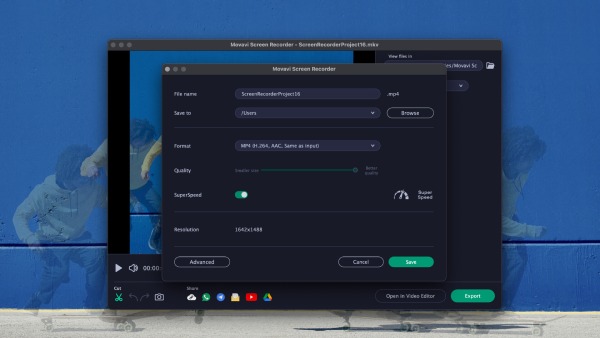
7. Movavi Screen Recorder
As an easy-to-use MP4 recorder, Movavi Screen Recorder is designed for capturing screen activity with no effort. Its biggest advantage lies in the capability of scheduled recording. It means you can ensure your recording process even if you are not in front of the device.
- Pros
- Beginner-friendly with a straightforward guide
- Scheduled recording in advance
- Multiple formats are supported for exporting
- Cons
- Watermark contained in trial
- Limited advanced features
- Require paid upgrade for full access
Conclusion
In conclusion, there are loom alternatives available. If you find that Loom no longer meets your recording needs, you can always find a better alternative, whether it's a cheaper option or a more professional one. If you are looking for a screen recorder that achieves a perfect balance between quality and editing functions without consuming excessive resources, download and use 4Easysoft Screen Recorder for free right now.
100% Secure
100% Secure
