
Compress videos from GB to MB and keep its original quality with the AI technology
Top 12 Free Online Video Compressors [2026 Tested]

Posted by Aira Lesly Escoto to Compress Video Jan 23, 2026
With large video files, uploading online or sending them through email can be challenging. This is where you need a free online video compressor, especially when you wish to reduce file size quickly without sacrificing too much in quality. Today, there are many free tools in this guide, from desktop software to online video compressors that offer impressive compression results. Whether you want clips for social media or to manage files easily, the following list will help.
Guide List
1. 4Easysoft Total Video Converter – Free Video Compressor with Complete Output Control 2. FreeConvert – Simple and Quick Online Video Compressor 3. VEED.IO – Online Video Compressor with Editing Capabilities 4. Clideo – Beginner-Friendly Video Compressor 5. Invideo AI – AI Video Compressor for Content Creators 6. Compress2Go – Lightweight Online Video Compressor 7. Media.io – Video Compressor with Wide Format Support 8. FlexClip – Online Video Compressor for Social Media 9. Compress.addy.ie – Free and Secured Online Video Compressor 10. Clipchamp – Windows Online Free Video Compressor 11. Zamzar – Online Converter with Compression Support 12. CloudConvert – Advanced Video Compressor with Custom Settings 13. VideoSmaller – Minimalist Free Online Video Compressor1. 4Easysoft Total Video Converter - Free Video Compressor with Complete Output Control
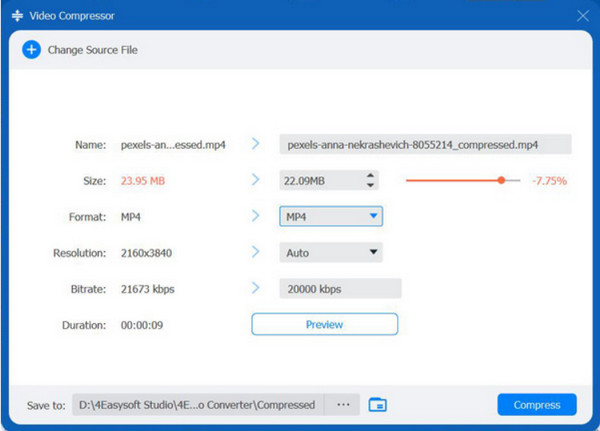
4Easysoft Total Video Converter can compress 5GB videos to 50MB, 10MB or even smaller. It supports a wide range of video formats and lets you fine-tune parameters like resolution, bitrate, and codec for complete control over output size. In addition to that, it offers AI-enhanced editing and enhancement tools such as noise reduction and stabilization, making it great for creators as well as casual users.
Support 1000+ video input and output formats.
Compress videos by percentage or desired file sizes.
Trim, crop, and edit videos to make it smaller.
Keep the original video quality or adjust output quality level.
100% Secure
100% Secure
2. FreeConvert - Simple and Quick Online Video Compressor
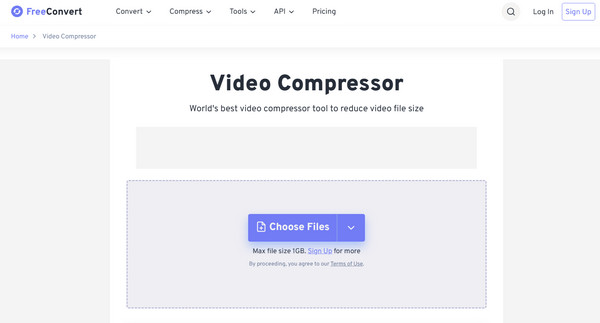
Moving to online big video file size compressor solutions, FreeConvert here offers a simple way to compress videos without installing any software. It focuses on ease of use, making it great for fast results with quite technical adjustments. Also, it includes standard formats and lets you do basic size and quality customization.
- Pros
- Works on most browsers.
- Has a friendlier screen compared to others.
- Cons
- Has a file size limit on the free plan.
- The uploading speed depends on your internet connection.
3. VEED.IO - Online Video Compressor with Editing Capabilities
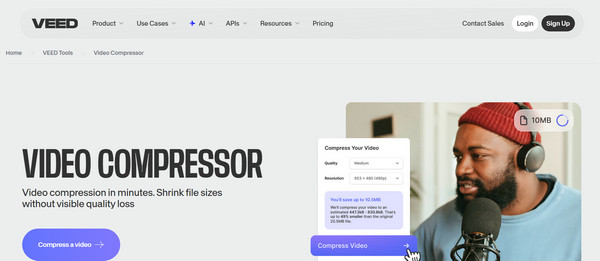
In contrast to the previous online video compressor, VEED.IO works with built-in editing features. You can lessen video size while also trimming clips, adjusting aspect ratios, adding text, and more.
- Pros
- Perfect for social media content.
- Has basic video editing tools.
- Cons
- Its free exports include watermarks.
4. Clideo - Beginner-Friendly Video Compressor
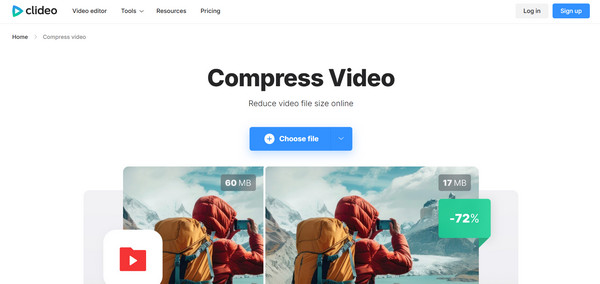
Similarly designed for simplicity, Clideo video compressor has an easy solution to compress large videos without any complexity. This free online video compressor optimizes file size while keeping visuals. It is useful for users who want automatic settings rather than manual adjustments.
- Pros
- Compress videos in browsers with easy steps.
- Covers many popular video formats.
- Cons
- Has a watermark on free outputs.
- Offers fewer controls over compression settings.
5. Invideo AI - AI Video Compressor for Content Creators
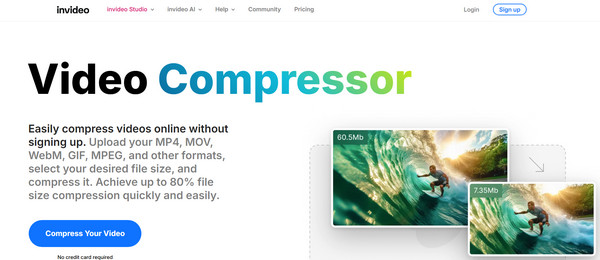
InVideo AI, on the other hand, utilizes smart optimization to compress MP4 videos online while getting them ready for online platforms. Aside from compressing videos online, it integrates AI-driven tools that enhance productivity in video creation,
- Pros
- Supports AI-powered optimization for online video compression.
- Ideal for marketing and social media videos.
- Cloud-based option that can be accessed anywhere.
- Cons
- Fewer controls over compression settings.
- Export limitations on its free plan.
6. Compress2Go - Lightweight Online Video Compressor
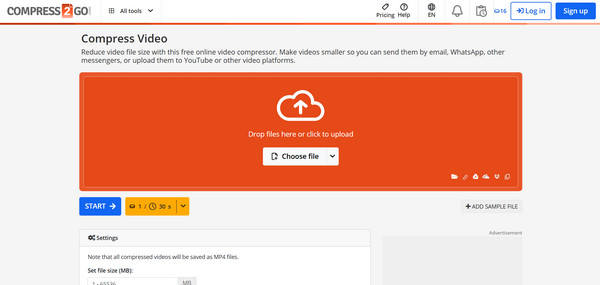
As a simpler free video compressor, Compress2Go centers on reducing file size quickly. Besides supporting multiple formats, it also provides preset compression levels for convenience. It is best for anyone who wants a very easy solution without extra features.
- Pros
- Offers quick and simple compression.
- Covers multiple file types.
- Cons
- Only offers limited advanced settings.
- Rely heavily on stable internet access.
7. Media.io - Video Compressor with Wide Format Support
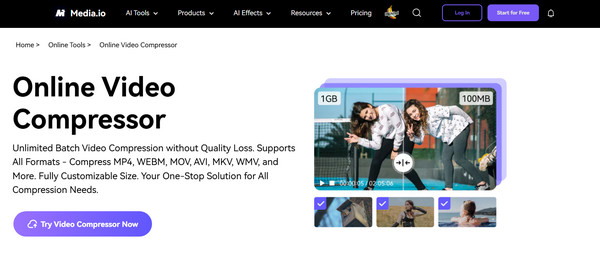
Next is Media.io. It offers a well-rounded online large video compressor solution that supports a wide variety of formats. Also, it is suitable for both casual and professional users handling various file types.
- Pros
- Can be accessed on multiple devices.
- Supports wide format options.
- Cons
- Slower processing for large videos.
- Has a file size limit on the free version.
8. FlexClip - Online Video Compressor for Social Media
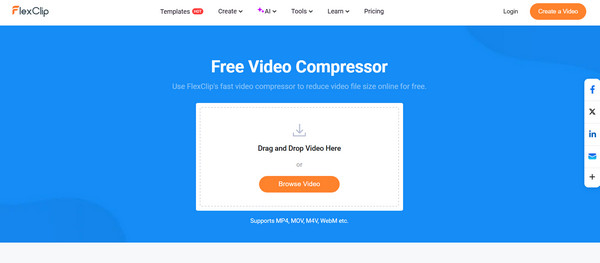
Moving towards social-focused tools, FlexClip is made for compressing videos, ideal for online sharing. It covers preset resolutions optimized for platforms such as Facebook, YouTube, and Instagram. This online video compressor also has editing features, making it a one-stop place for quick content preparation.
- Pros
- Very approachable for first-time users.
- Has basic editing tools.
- Provides social media-ready presets.
- Cons
- Limited manual compression controls.
- Offers a watermark on free exports.
9. Compress.addy.ie - Free and Secured Online Video Compressor
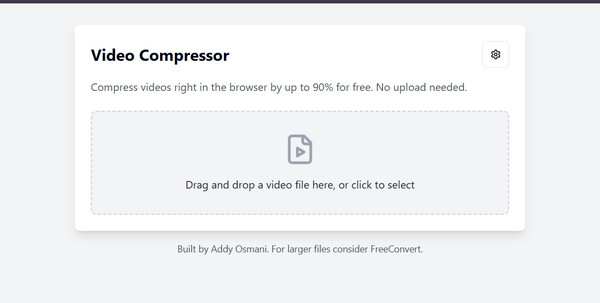
Unlike typical online video compressor tools, Compress.addy.ie delivers video compression directly in your web browser. Using it means your files aren't uploaded to external servers, making it ideal for privacy-conscious users.
- Pros
- Completely free to use.
- No server uploads.
- Cons
- Has fewer format and quality options.
10. Clipchamp - Windows Online Free Video Compressor

As a more polished free online video compressor, Clipchamp has built-in video compression along with editing tools, especially for Windows users. Its integration with cloud storage and social platforms adds to its convenience.
- Pros
- Perfect for Windows users.
- Has beginner-friendly presets.
- Cons
- Needs account sign-in.
- The free version has export limitations.
11. Zamzar - Online Converter with Compression Support
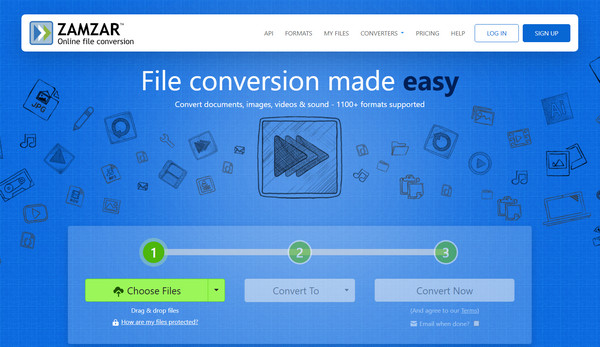
Mainly famous for file conversion, Zamzar can make videos smaller online. Here, you can reduce file size by converting videos to more efficient formats. It is also reliable for quick tasks and covers many file types.
- Pros
- Supports tons of file formats.
- Easy conversion-based compression solution.
- Cons
- The free plan has size restrictions.
- Limited compression adjustments.
12. CloudConvert - Advanced Video Compressor with Custom Settings
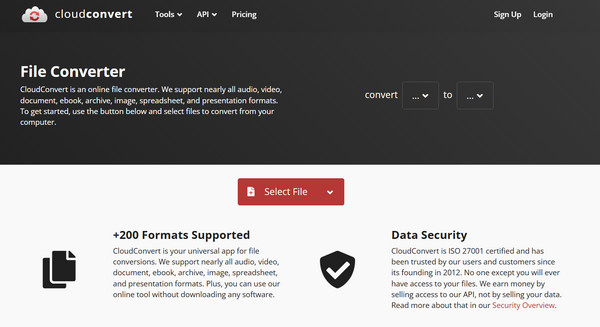
For anyone who wishes for more control, CloudConvert works with detailed customization for video compression. This online video compressor supports advanced settings like bitrate, resolution, and codec selection, which is ideal for users who want a very specific result.
- Pros
- Has great format compatibility.
- Consistent output quality.
- Cons
- Its screen may be complex.
- It has usage limits on its free plan.
13. VideoSmaller - Minimalist Free Online Video Compressor
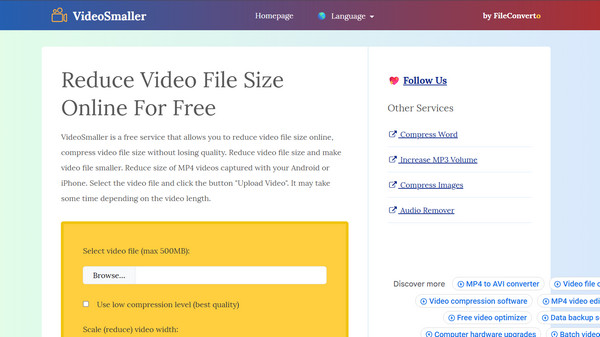
Last, for a free online video compressor, VideoSmaller has a very direct approach. This tool automatically makes the file size smaller while maintaining reasonable quality for messaging or email use. It works best for short videos and anyone who's looking for simplicity over customization.
- Pros
- No account needed.
- Ideal for quick, small compressions.
- Cons
- Has a few customization options.
- Limited file size support.
Conclusion
Finding the right online free video compressor often depends on the speed, quality, and friendliness you want. The tools mentioned today, such as CloudConvert, Compress2Go, Clideo, etc., offer different ways to reduce video files without affecting the quality too much. However, while those 12 free tools are great for basic compression tasks, they have limitations, so 4Easysoft Total Video Converter is highly suggested. Unlike standard free tools, this program offers an all-in-one solution that comes with high-speed conversion and powerful editing features. Even if you aren't techy, this tool lets you compress videos in seconds with high quality.
100% Secure
100% Secure
